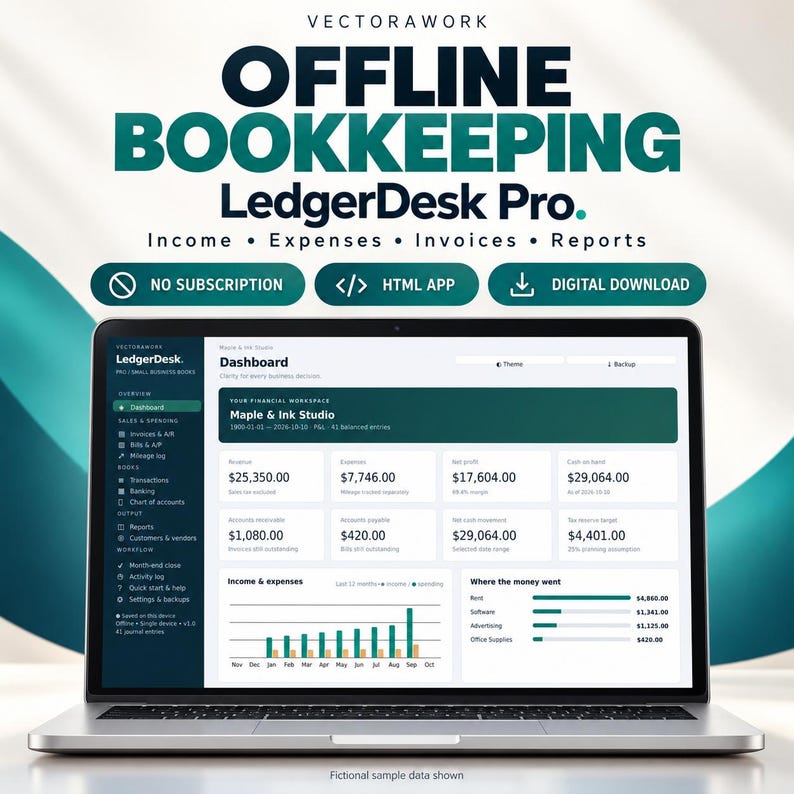
Finance & BookkeepingSmall Business Bookkeeping OS
An offline HTML business bookkeeping dashboard for organizing income, expenses, invoices and financial reports.
Offline HTML AppDetails →
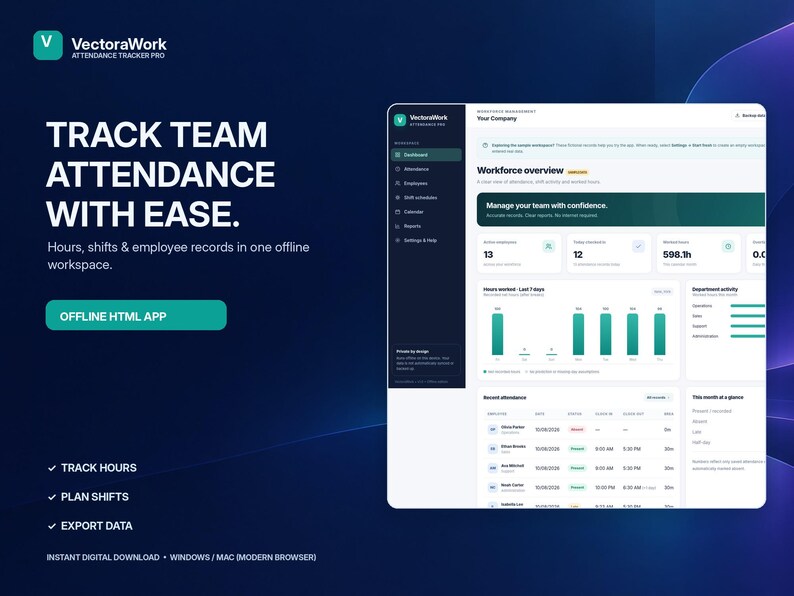
An offline employee time and attendance tracker for staff hours and shift activity.
Purchases and order support are handled on Etsy. VectoraWork.com does not accept payments or deliver Etsy orders.
A consistent entry process makes records easier to review than scattered paper notes or unrelated spreadsheets.
Verify time calculations, breaks and record retention against your applicable rules. Do not assume an offline tracker alone meets payroll or labor-law obligations.
Before working with important information, review the supported browser, whether the app saves data inside that browser and the steps for backing up or transferring your records. The exact behavior is described in the Etsy product listing. Start with fictional sample entries to see whether the flow fits your needs.
A local browser application is not automatically a cloud service, a multi-user database, an encrypted archive or a compliant system of record. Assess access controls, regular exports and the consequences of lost device storage before using real information.
Use this scenario to evaluate the product for your needs; it is not a claim about undocumented features.
A small operations team needs to spot attendance discrepancies before monthly reporting.
Only the functionality explicitly listed in the purchased version should be expected.
No. Review applicable recordkeeping and wage laws independently.
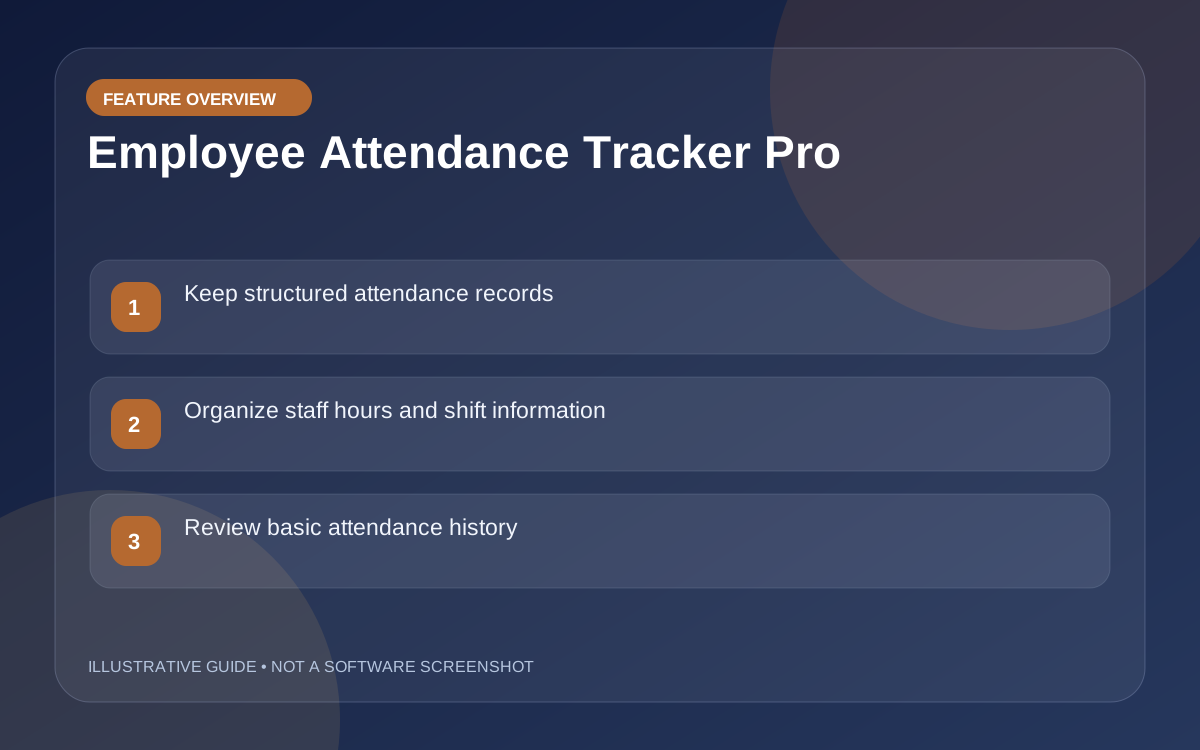
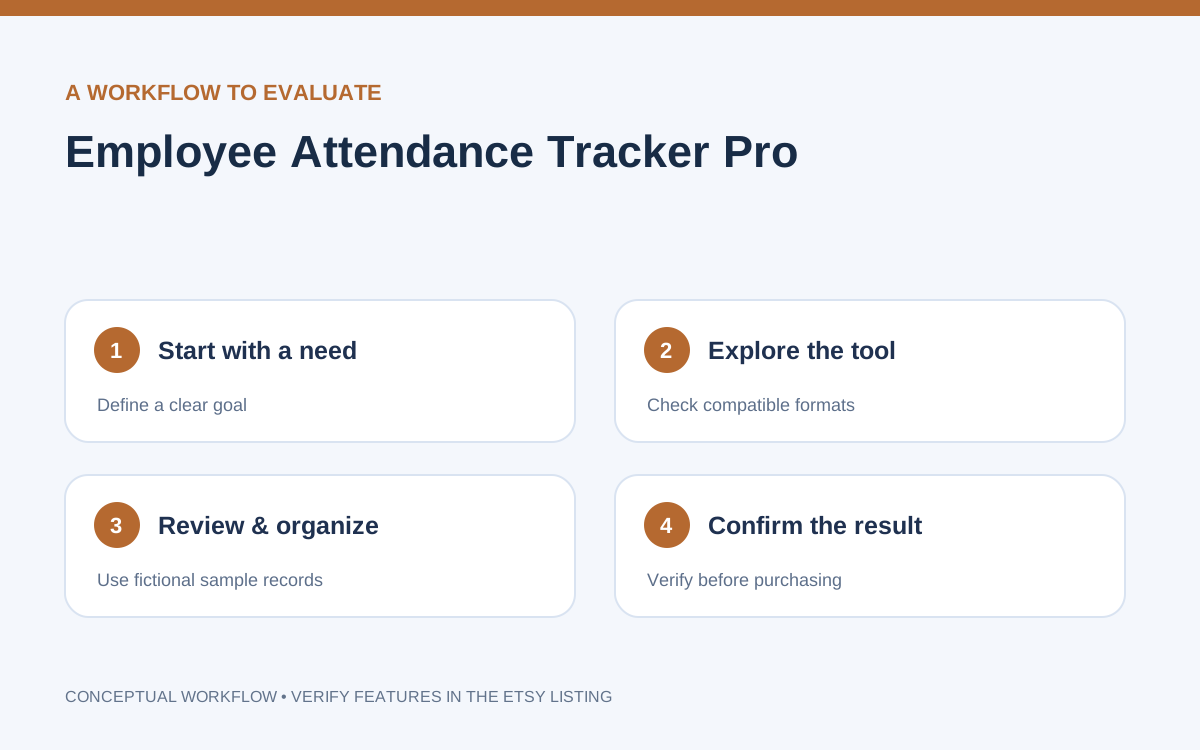
Concept illustrations describe common evaluation points; they are not screenshots or demonstrations of actual software screens.
An offline HTML business bookkeeping dashboard for organizing income, expenses, invoices and financial reports.
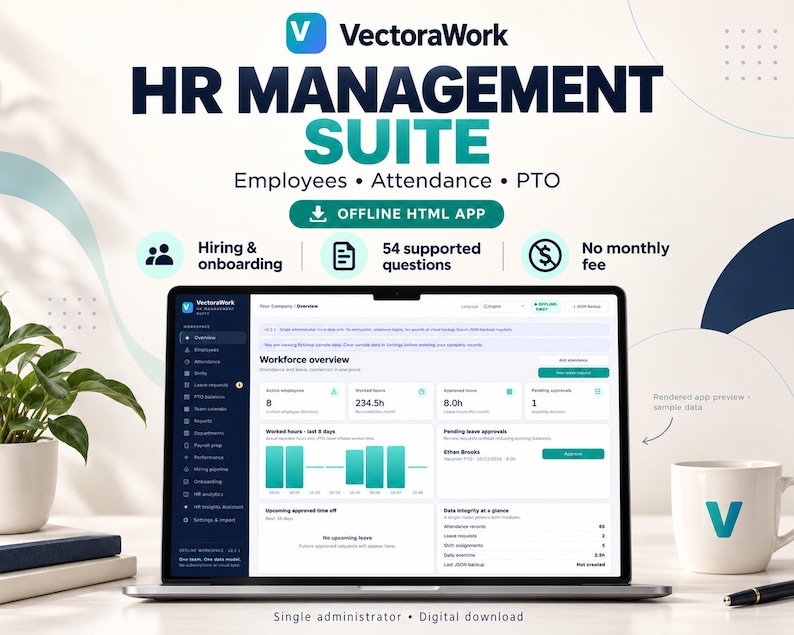
An offline employee management dashboard covering attendance, PTO and essential workforce organization.

An interactive teacher planning app for lesson plans, classroom routines, gradebook and attendance organization.