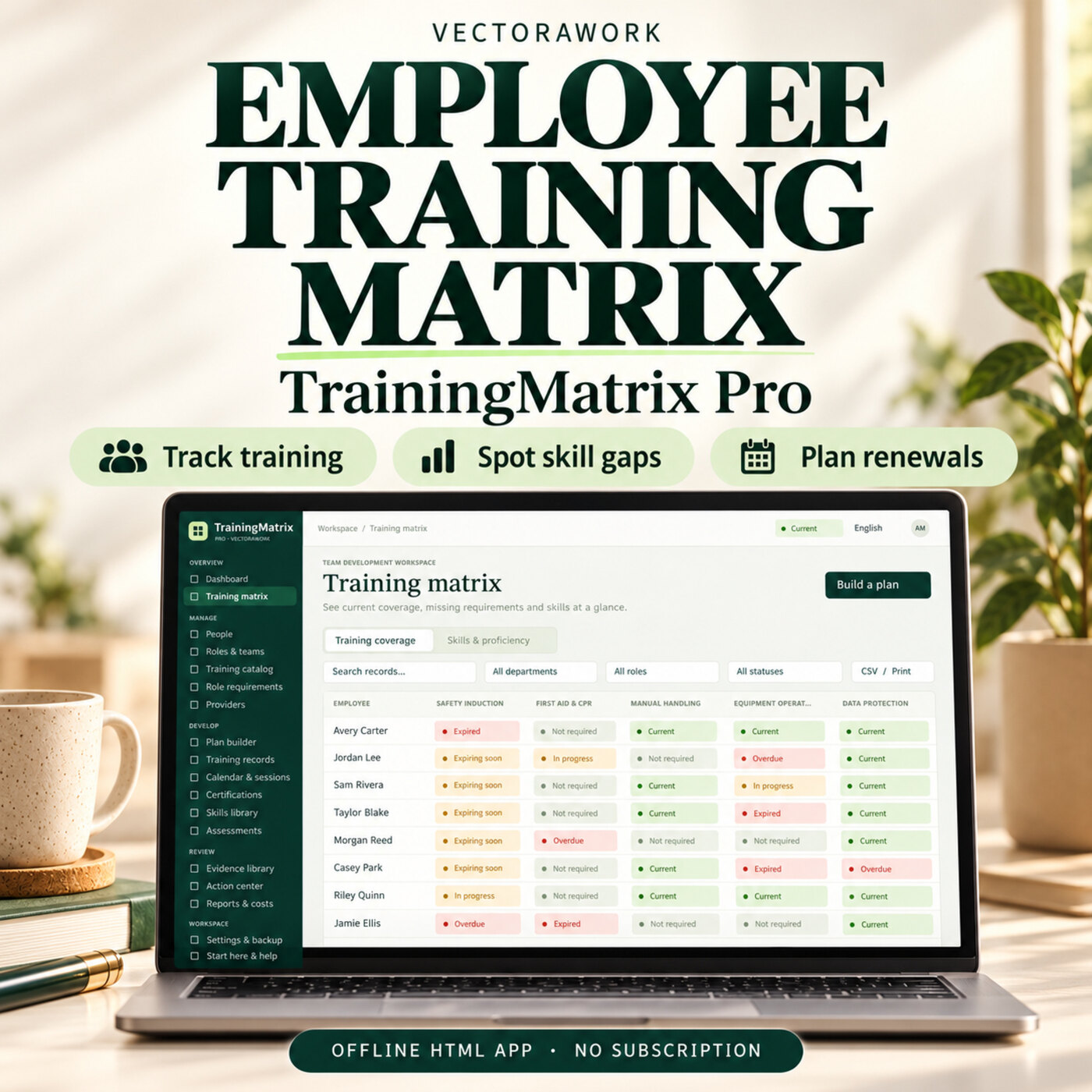
People & HREmployee Training Matrix Software - TrainingMatrix Pro
Track employee training, certificate renewals and skill gaps in one offline HTML app. Plan role-based training and review your team with clear reports.
Offline HTML AppDetails →
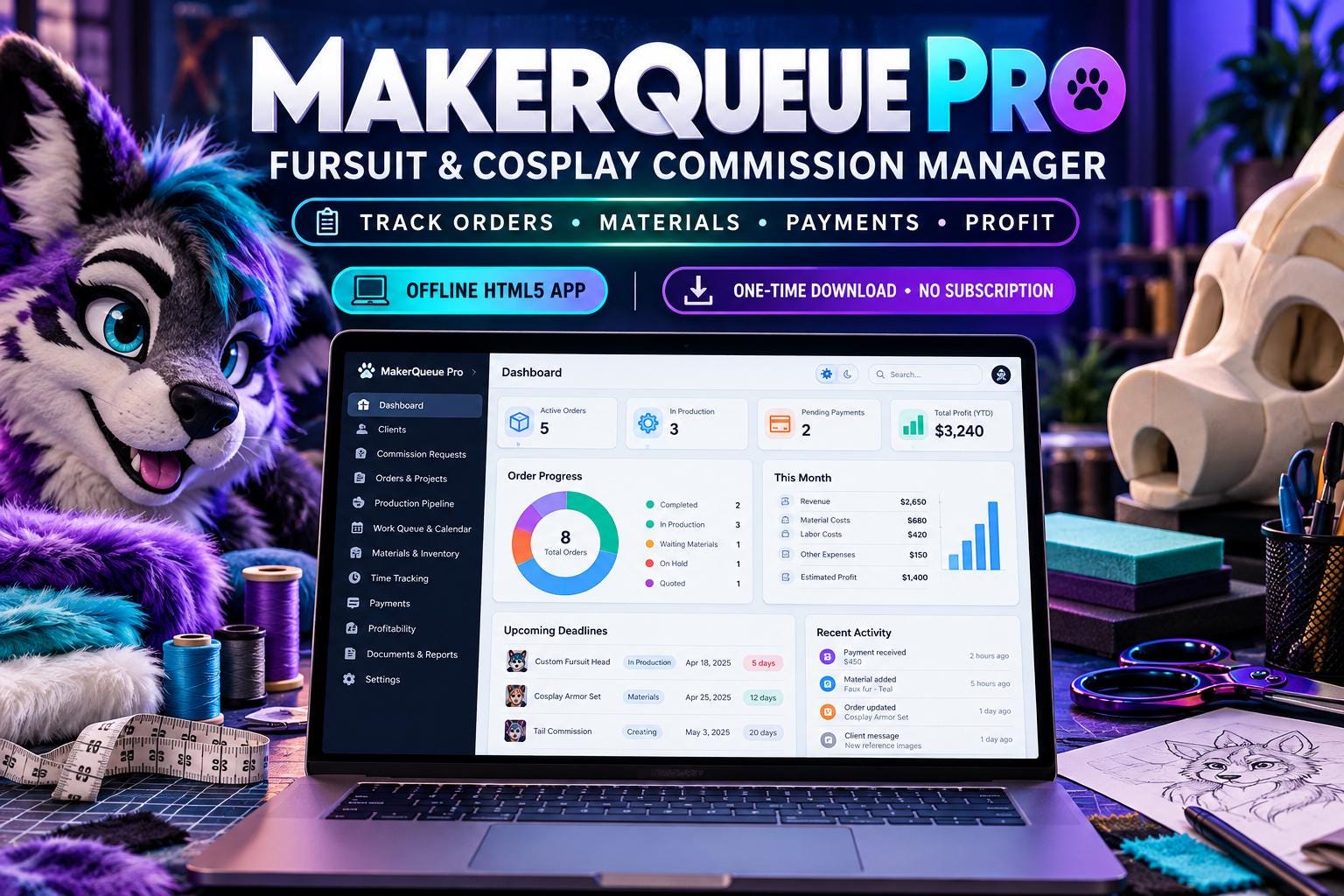
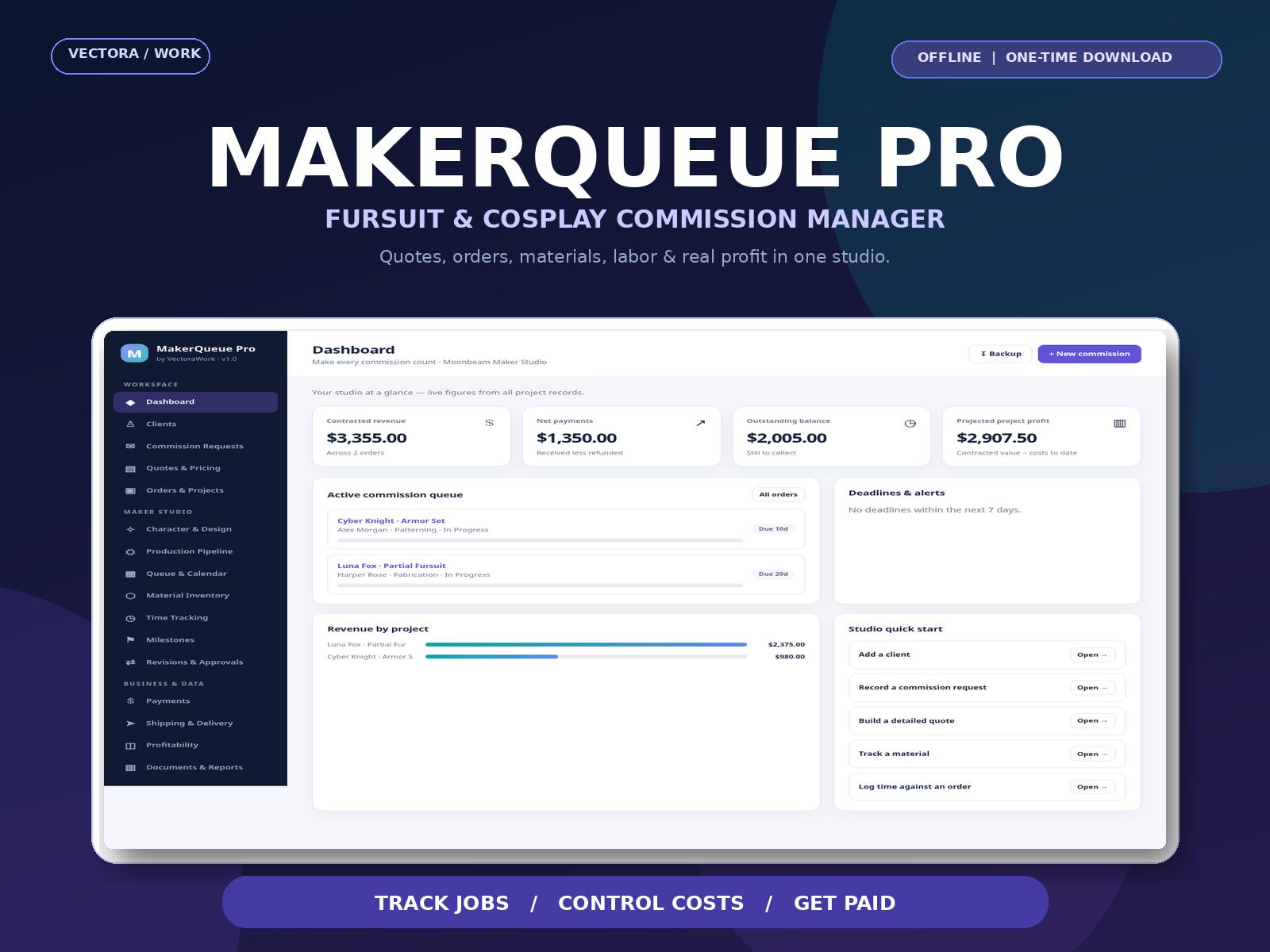
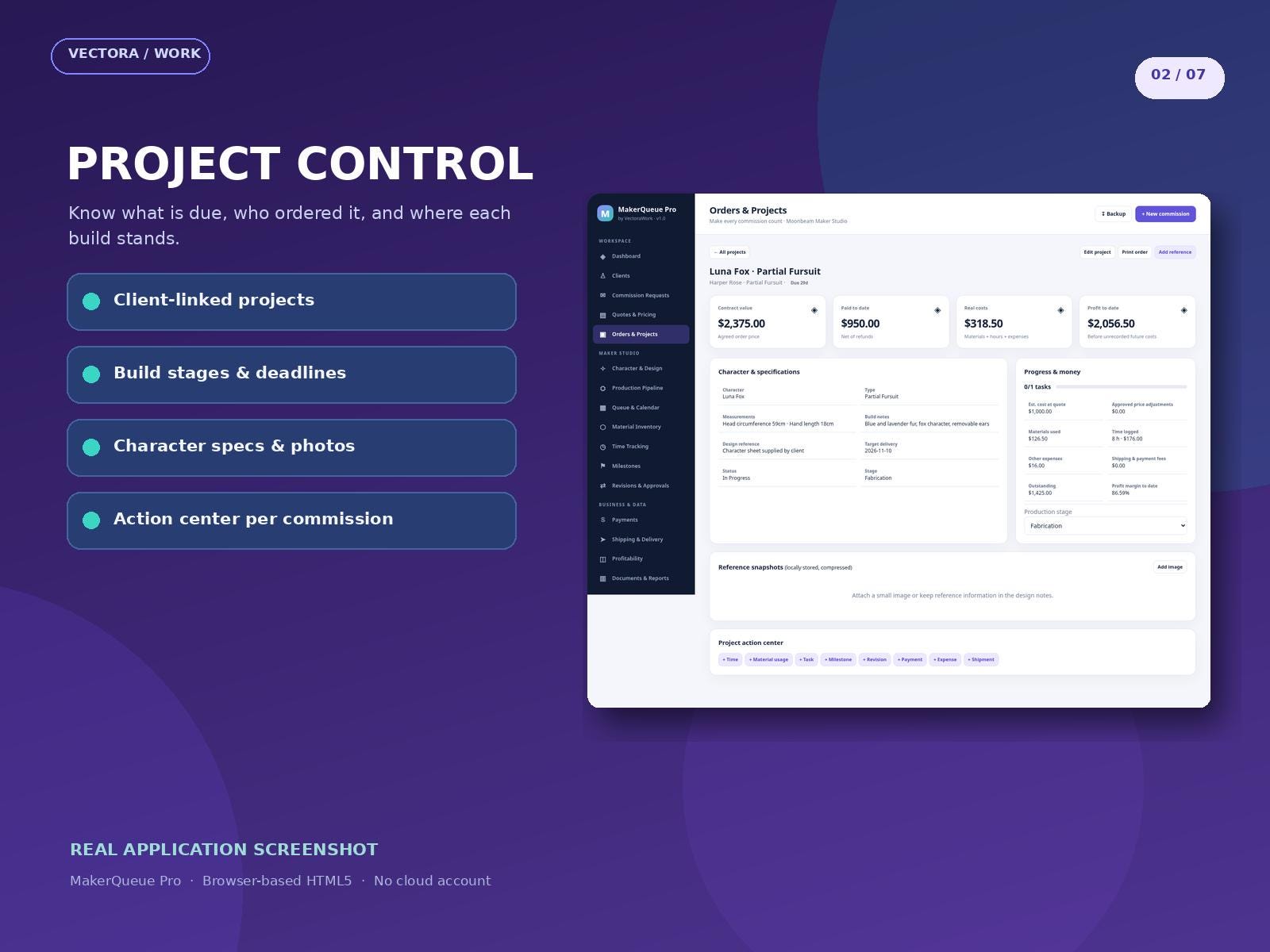
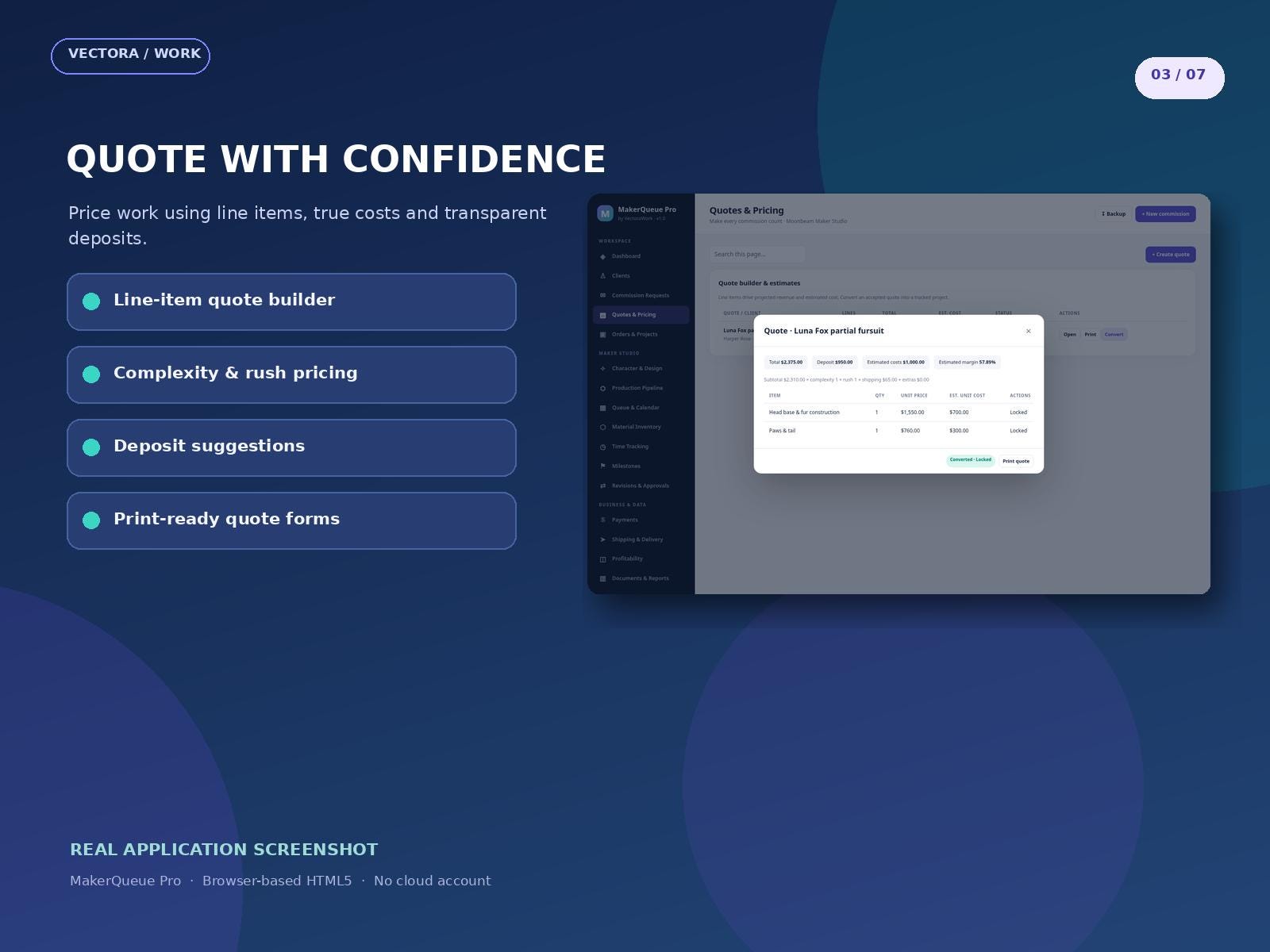
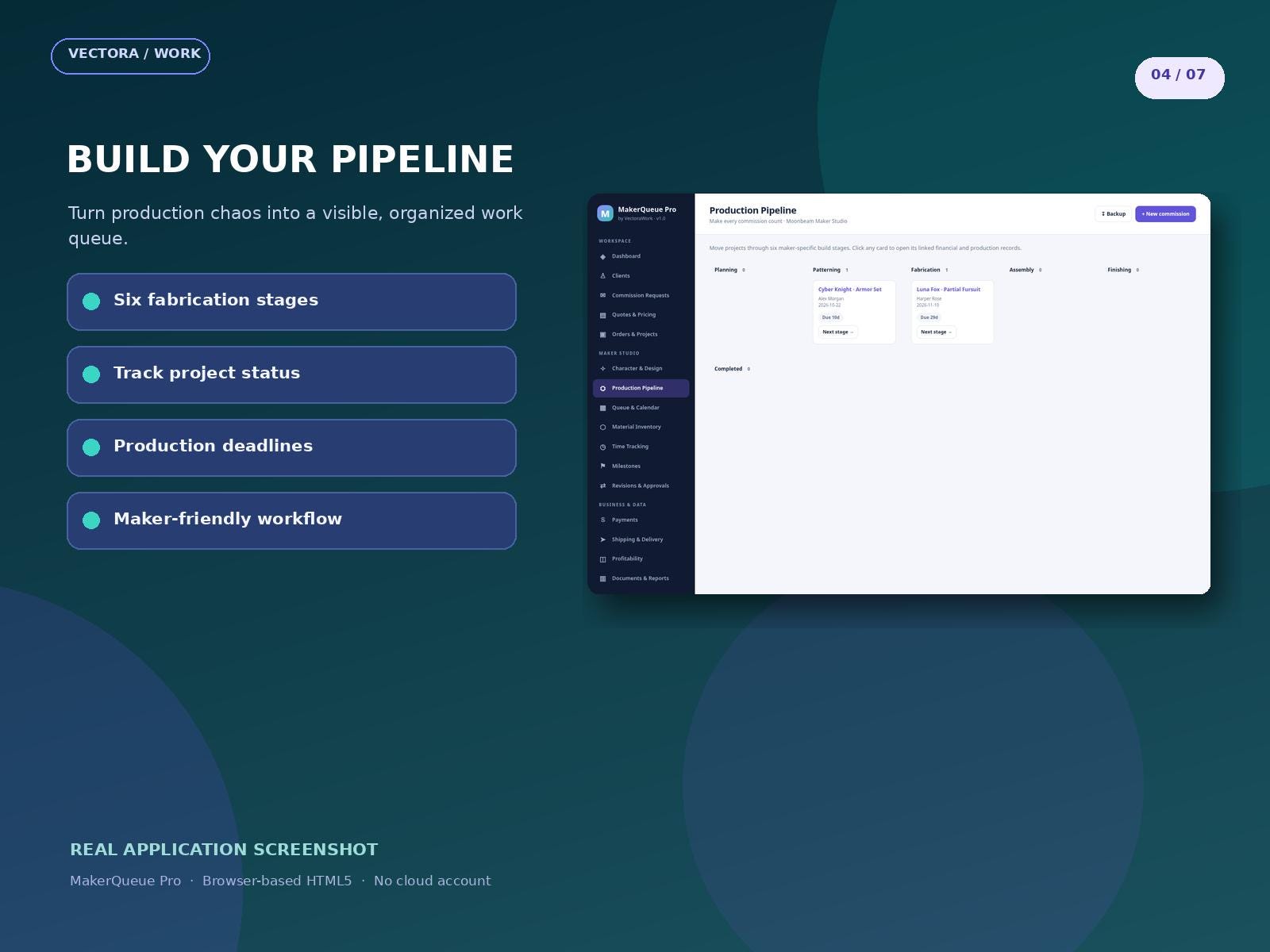
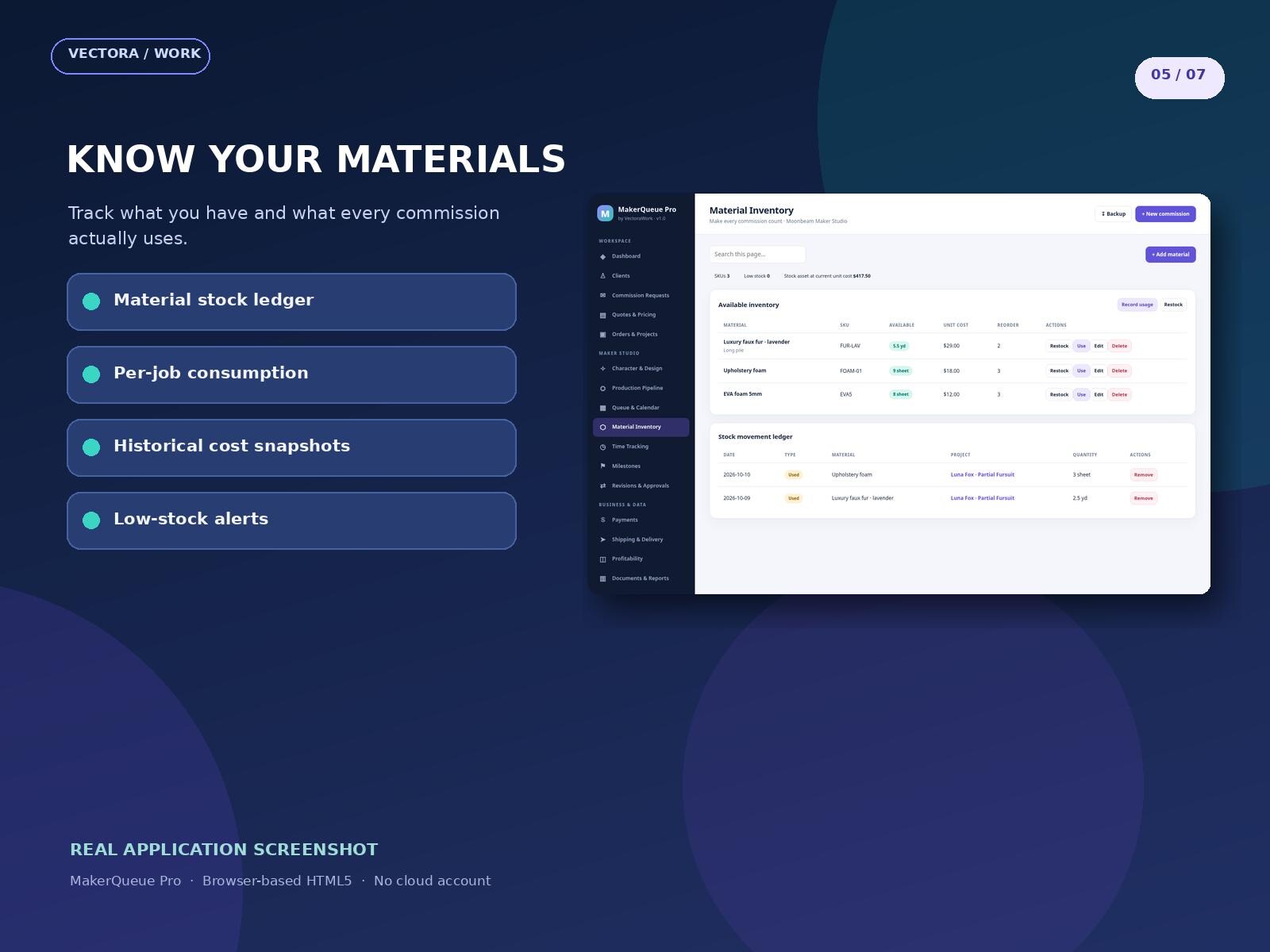
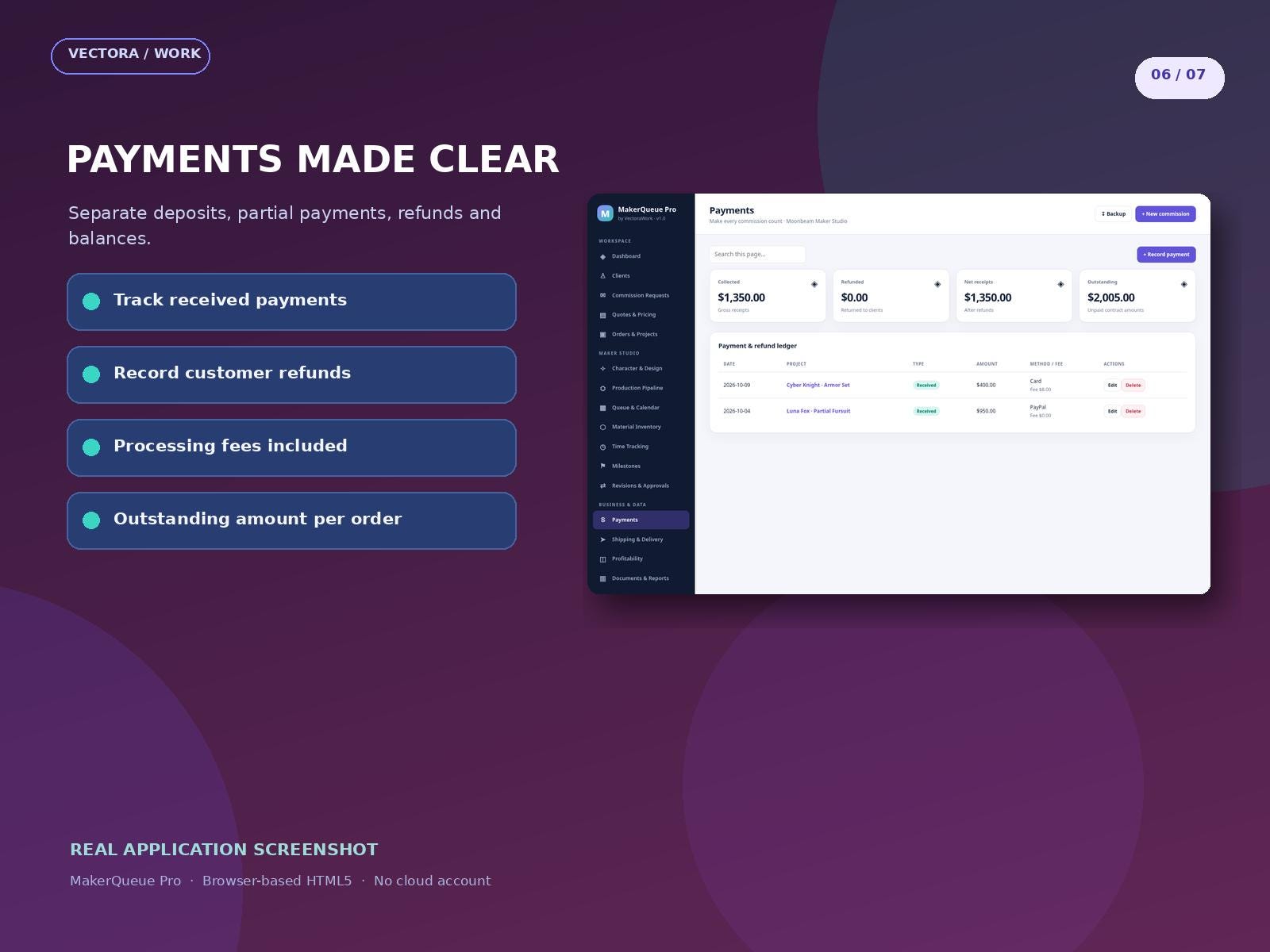
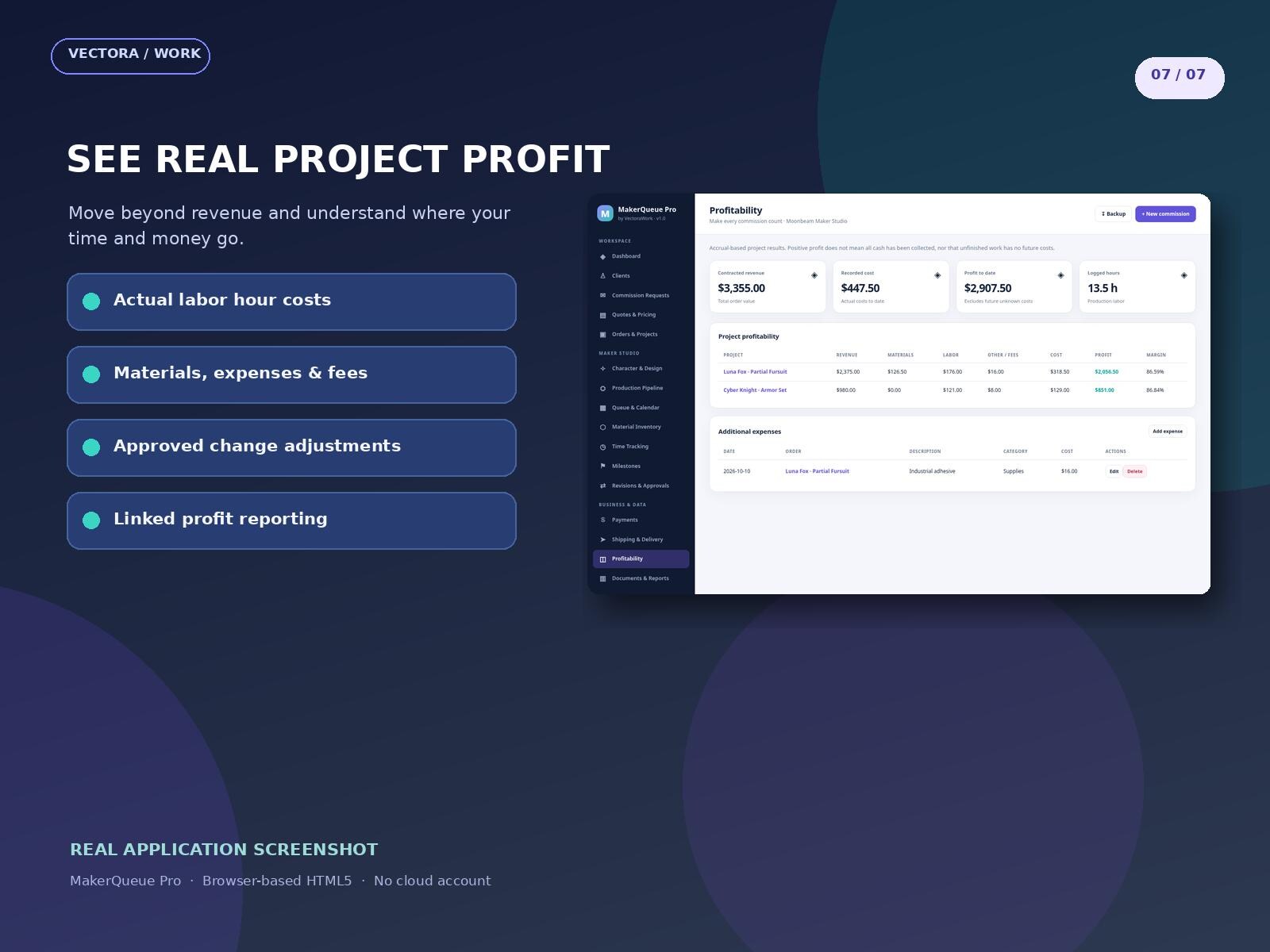
Images are promotional previews from the Etsy listing. Review the current Etsy listing for included files and specifications.
MAKERQUEUE PRO | YOUR OFFLINE FURSUIT & COSPLAY COMMISSION WORKSPACE Make time for creating — not hunting through spreadsheets, chats, payment notes and material receipts.
Purchases and order support are handled on Etsy. VectoraWork.com does not accept payments or deliver Etsy orders.
MAKERQUEUE PRO | YOUR OFFLINE FURSUIT & COSPLAY COMMISSION WORKSPACE
Make time for creating — not hunting through spreadsheets, chats, payment notes and material receipts.
MakerQueue Pro is a modern offline HTML5 management application for independent fursuit makers, cosplay artists, armor builders, prop makers and other custom commission creators. Keep clients, inquiries, project details, quotes, build stages, material consumption, work hours, payments, refunds, shipments and project profitability connected in one easy-to-navigate workspace.
ONE-TIME DIGITAL DOWNLOAD • NO RECURRING SUBSCRIPTION • NO REQUIRED CLOUD ACCOUNT
WHAT MAKERQUEUE PRO HELPS YOU DO • Manage a client directory and incoming commission requests. • Build detailed price quotes with quantity, selling price, estimated internal costs, complexity/rush factors and deposit suggestions. • Convert a quote into a linked commission project or create projects directly. • Record character specifications, measurements, design notes and compressed reference-image previews. • Track projects across six production stages and manage due dates, milestones and tasks. • Monitor material SKUs, restocking, project-specific consumption and low-stock warnings. • Track real working hours and the studio's internal labor cost. • Track client deposits, partial payments, refunds and payment processing fees. • Log approved project changes, shipping costs and delivery tracking references. • See contract value, actual material usage, labor costs, expenses, cash received and project profit in one connected dashboard. • Export CSV data, print quotes/order forms and back up or restore all records as JSON. • Switch between light and dark appearance.
17 CONNECTED WORK AREAS Dashboard • Clients • Requests • Quotes • Orders • Characters • Production • Calendar • Inventory • Time • Milestones • Revisions • Payments • Shipping • Profit • Reports • Settings
WHAT YOU RECEIVE 1. MakerQueue Pro v1.0 Offline HTML5 application (one HTML file). 2. Comprehensive English PDF user guide with real product screenshots. 3. START_HERE.txt for opening the app, protecting your data and obtaining support. 4. LICENSE.txt describing permitted use and restrictions.
INSTANT SETUP 1. Purchase and download the ZIP file from Etsy using a browser. 2. Extract the ZIP file on your computer. 3. Open MakerQueue_Pro_v1.0.html in a current Chrome, Edge, Firefox or similar browser. 4. Explore fictional example records, then open Settings & Data to personalize the studio and clear examples when ready. 5. Save a JSON backup after important updates and keep it outside browser storage.
IMPORTANT TECHNICAL NOTES • Records are held locally in the browser profile used for this file, not on a VectoraWork server. • Browsers may restrict local-file storage, especially in private mode. Verify that saving and reopening works on your device before entering important real data. • The app does not automatically synchronize between browsers or devices. JSON backup/restore is used for transfers. • Reference photos are downscaled and compressed to small local thumbnails; keep full-resolution art externally. • No online customer portal, multi-user collaboration, automatic invoicing, card processing, accounting/tax filings or live shipping/carrier API is included. • Available currencies are display preferences, not foreign-exchange conversion. • An open commission's profit is provisional because future work and costs are not yet recorded. • This product is software to manage a maker business; no physical fursuit, finished costume or custom commission is included. • Digital files cannot be opened directly inside the Etsy app; download from Etsy.com in a browser.
COMPATIBILITY Single HTML5 file with no external paid service or required internet connection. Desktop recommended; responsive tablet and mobile layouts are included. Modern browser with enabled JavaScript and local storage required. No Excel, Google Sheets or spreadsheet subscription required.
LICENSING & SUPPORT Single purchaser's own maker/studio use, including legitimate commercial commissions. No code/file sharing, reselling, redistribution, sublicensing or public hosting. See the included LICENSE.txt. For help, contact the VectoraWork Etsy shop with a description of the problem and your browser (do not share confidential customer details publicly).
DIGITAL DELIVERY No physical item will be shipped. Files are delivered by Etsy as an instant digital download after payment is processed. Etsy account download options and applicable seller policies apply.
SELLER FAQ (OPTIONAL) Q: Do I have to subscribe? A: No. This is a one-time downloaded file and does not require a subscription. Q: Will it work without the internet? A: Yes, the application has no required external network resources. Your browser must still allow local storage to save changes. Q: Can my customers log in to see project updates? A: No. MakerQueue Pro v1.0 is a private offline workspace, not a public client portal. Q: Does it process payments? A: No. It tracks payment information you enter manually. Q: Can I keep reference images? A: Yes, small compressed thumbnails in the project; store full-size originals separately. Q: Are backups included? A: Yes: download/restore JSON backup and CSV reports.
Track employee training, certificate renewals and skill gaps in one offline HTML app. Plan role-based training and review your team with clear reports.
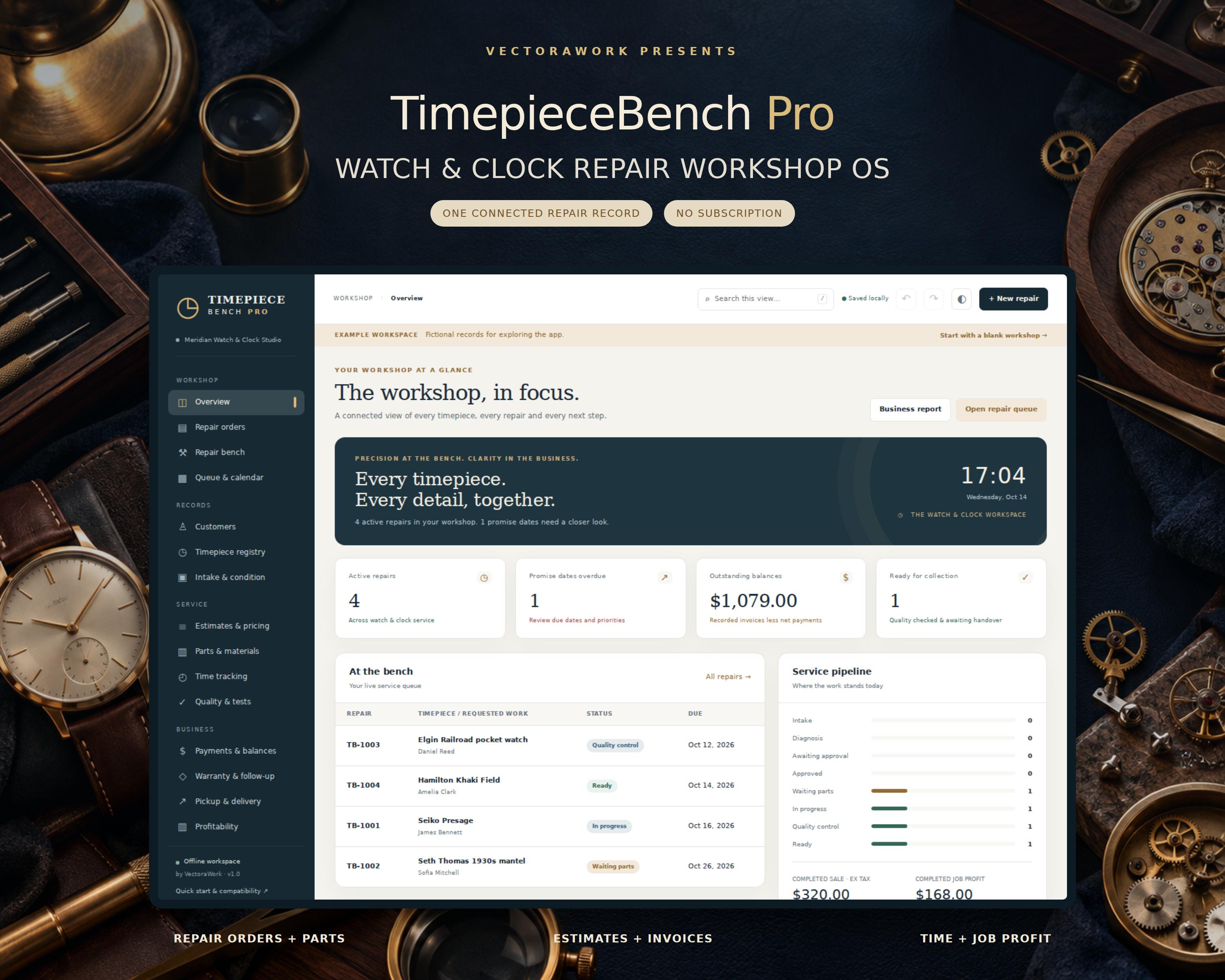
Keep every watch and clock repair together - from the first intake note to the final handover. Offline Simple Useful Watch Repair Tracking Software - TimepieceBench Pro TimepieceBench Pro is an offline workshop management app for independent watchmakers, clock repairers and small horology studios. Open the HTML file in your desktop browser, enter your workshop details and manage customer records, repair orders, parts, time, estimates, payment records and quality notes
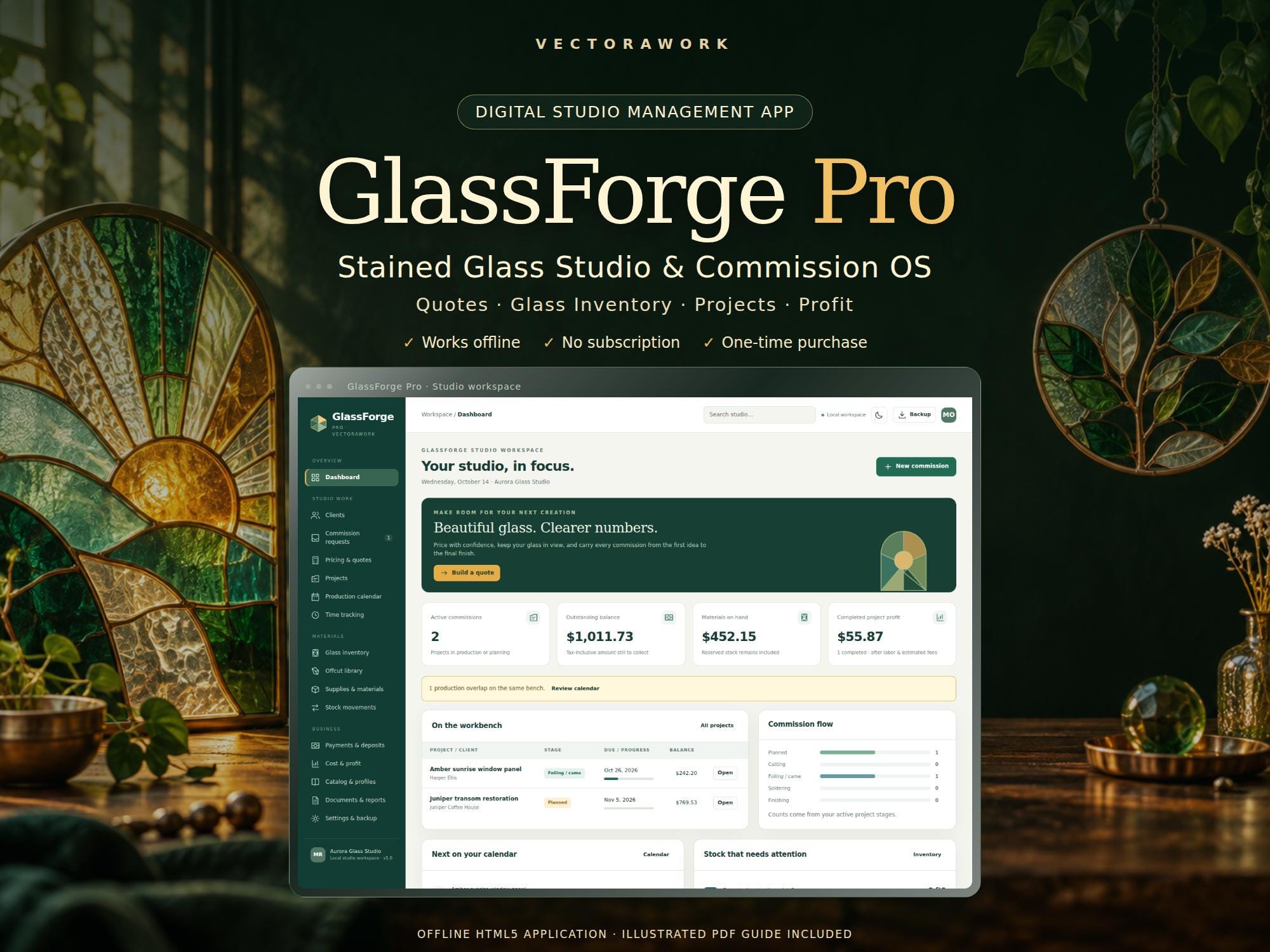
Beautiful glass. Clearer numbers. GlassForge Pro is a stained glass studio and commission management app for independent artists, suncatcher makers and small glass studios. Build a detailed quote, turn it into a project, reserve your materials and see what the finished work actually earned after recorded labor and estimated selling fees. This is an instant digital download containing an offline
We would like to use Google Analytics to understand how visitors use our public pages. It is optional. No Google Analytics requests are sent unless you choose Accept. You can change your choice at any time. Privacy Policy · Cookie Policy