Product overviewDesigned to simplify the workflow
A clearer answer to “who still needs training?”
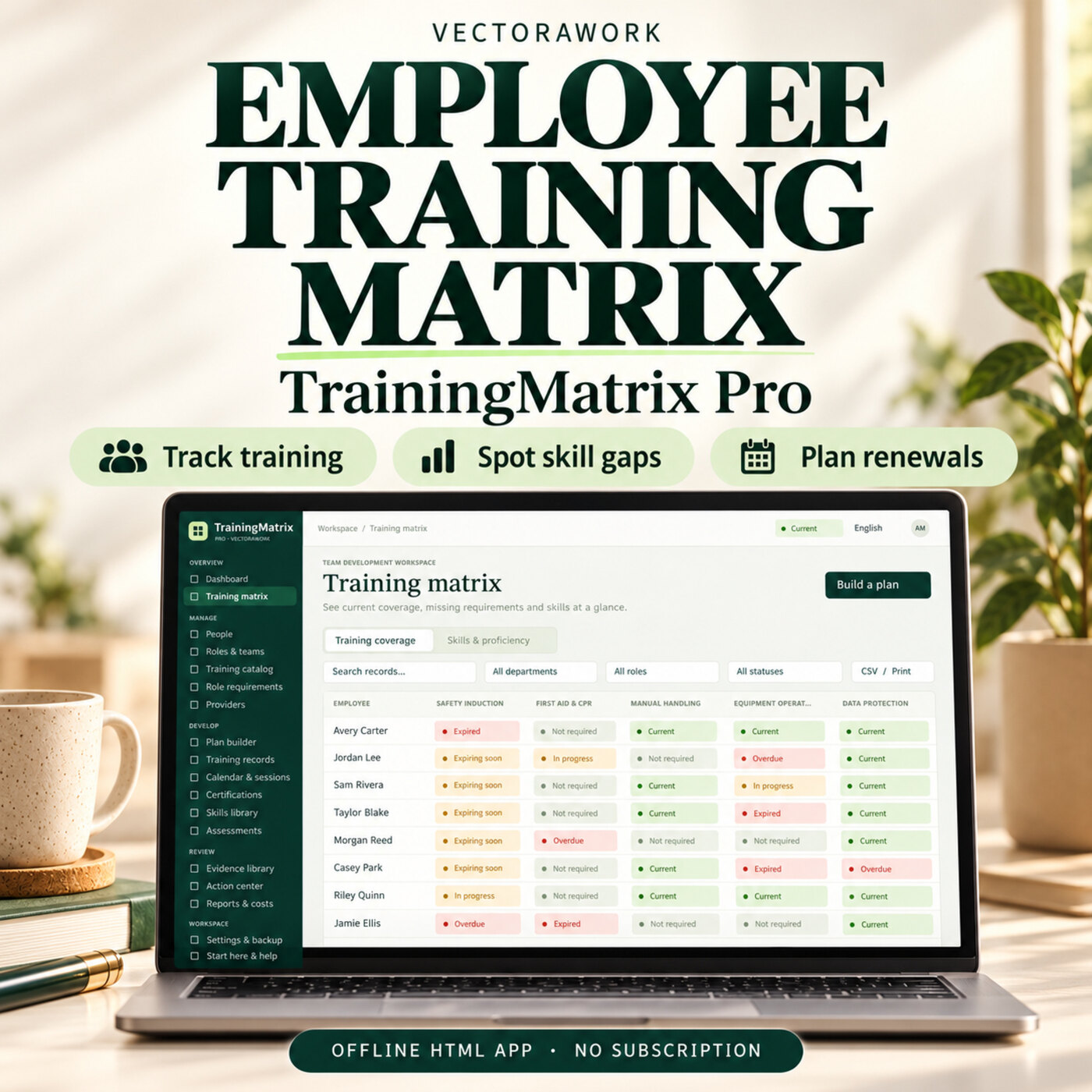
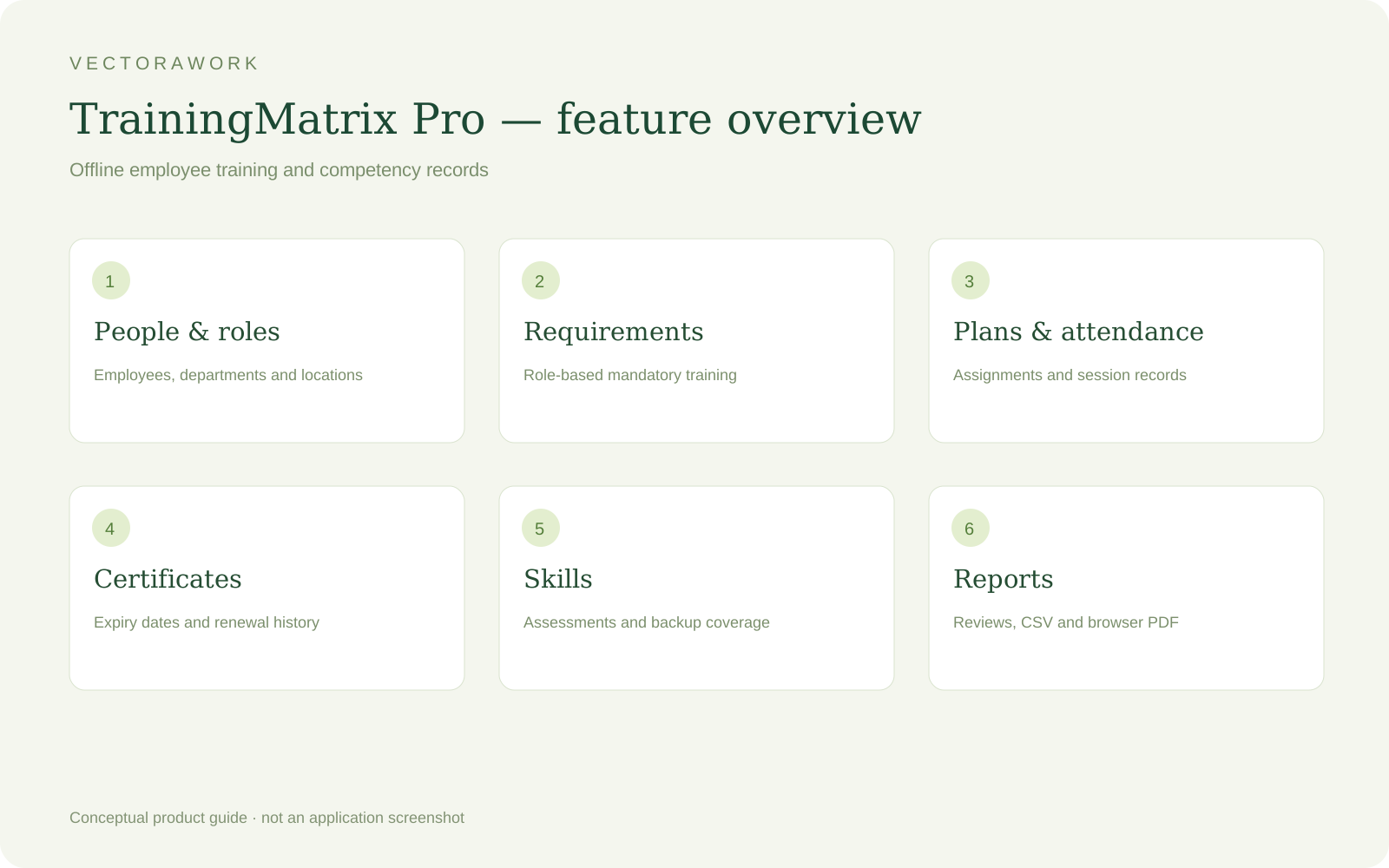
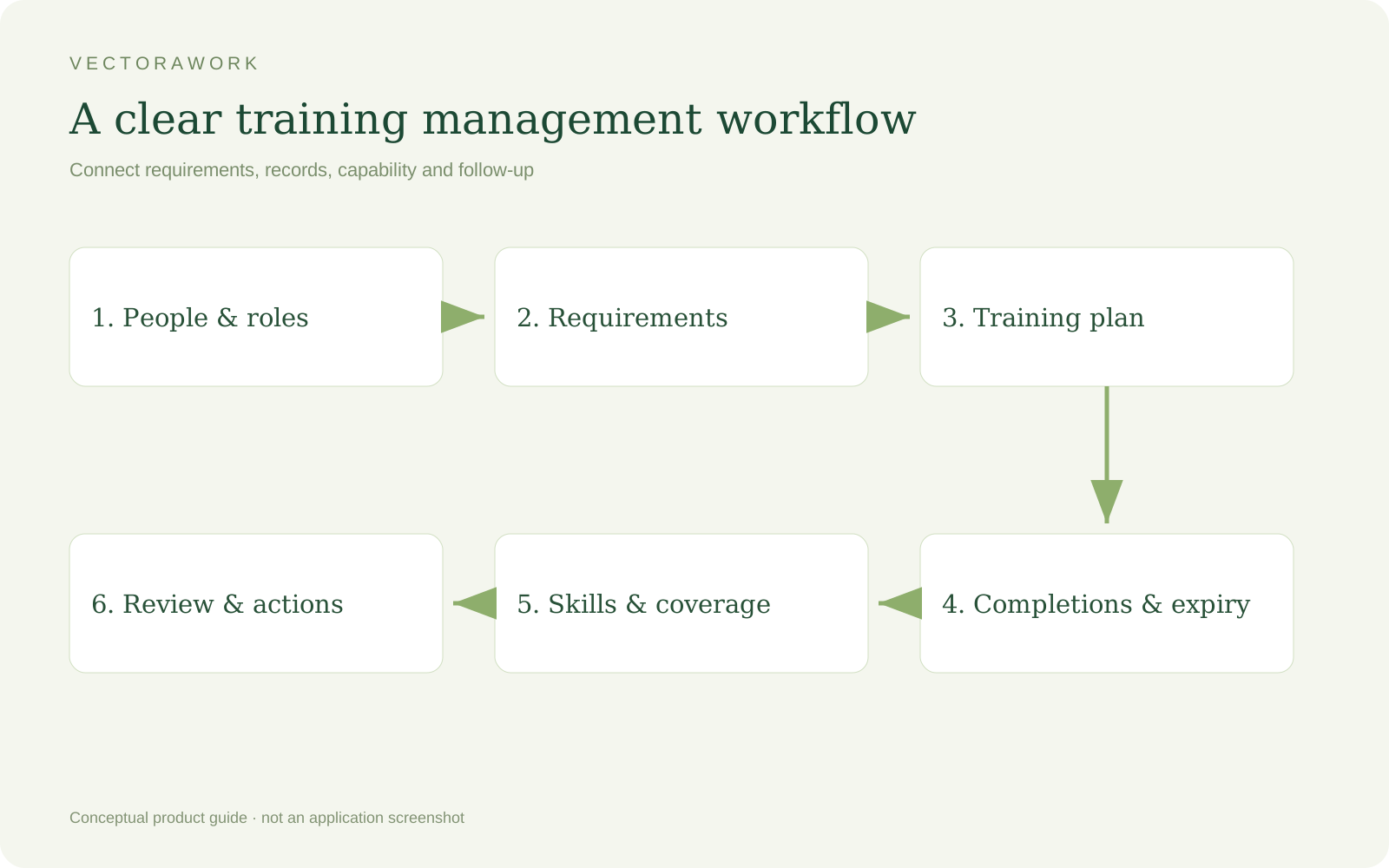
TrainingMatrix Pro is employee training matrix software for small teams that want a practical view of required training, certification renewal dates and assessed skills. It connects people, role requirements, assignments and completion records in one offline HTML5 application.
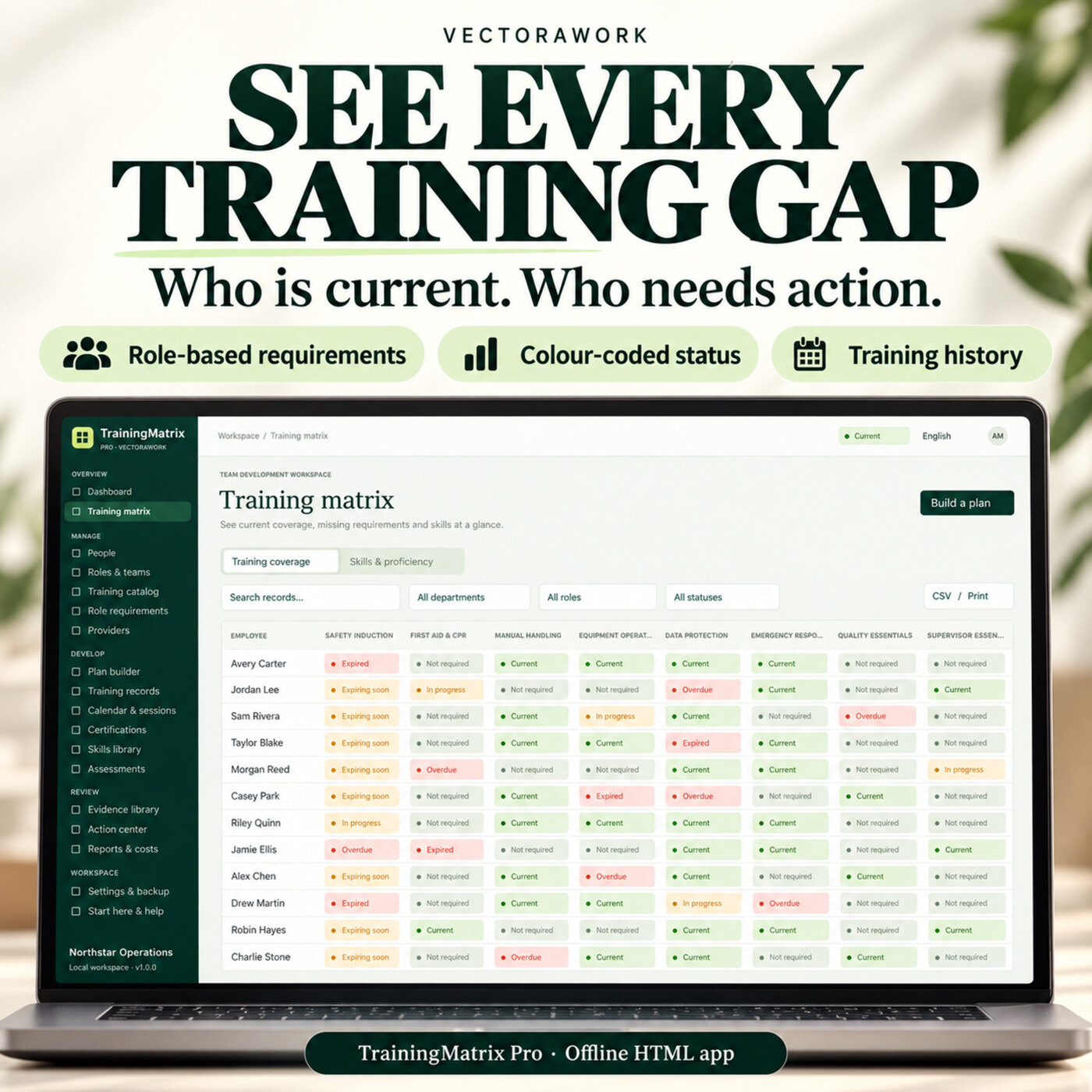
Use it to review who is current, which required courses are missing and what needs follow-up. The matrix counts required training even when no assignment has been created, so an empty plan does not look like a fully trained team.
Build a training plan around real roles
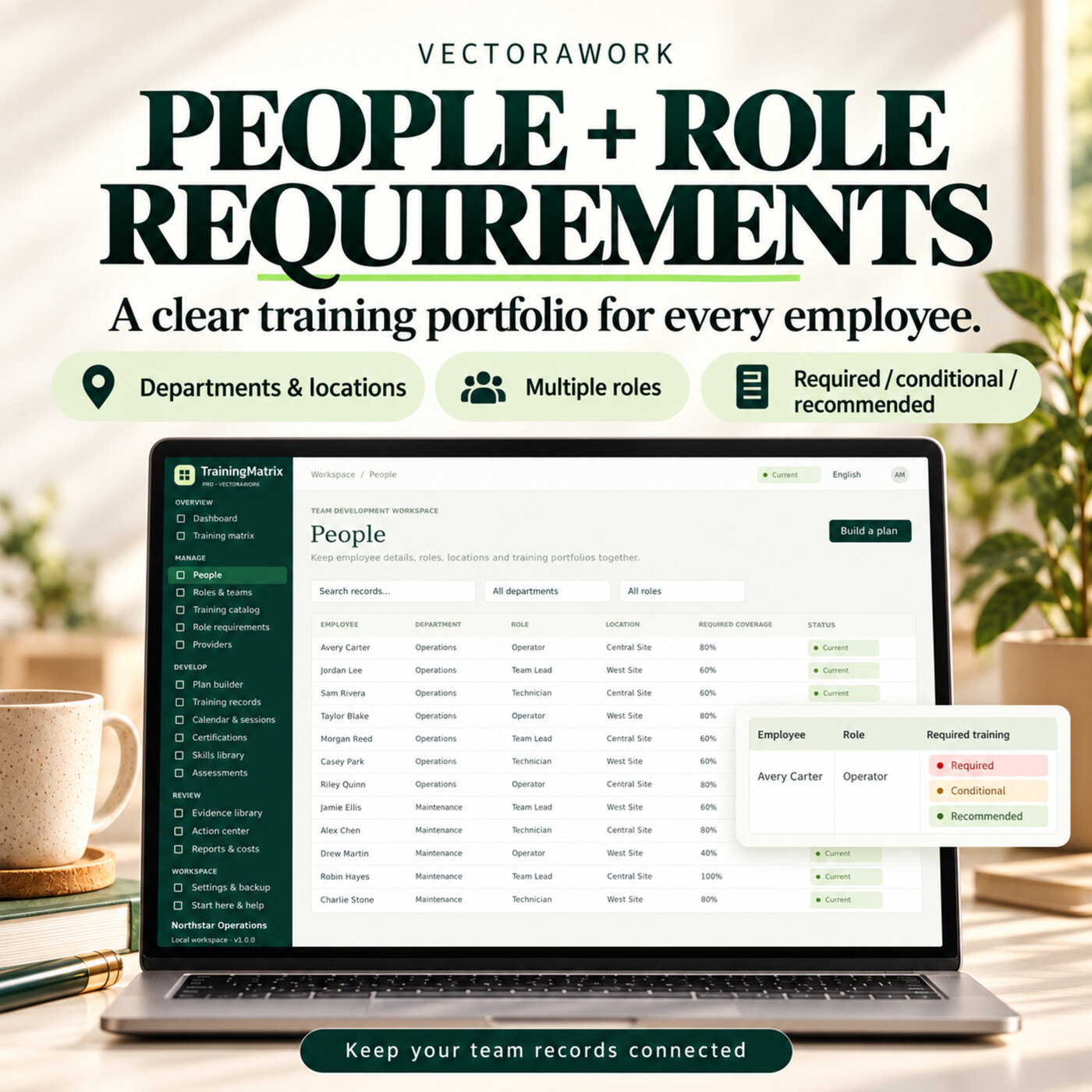
Create employees, departments, locations and multiple roles. Maintain a reusable course catalog with duration, validity, cost, provider and prerequisite details. Map required, conditional and recommended courses to each role and keep a reference to your own policy source.
The plan builder assigns selected courses by employee, department, role, tag or all active staff. Existing open assignments are skipped. A renewal creates a new record while preserving the earlier completion history; planning a renewal does not invalidate a still-current certificate.
Plan sessions and maintain completion records
Schedule instructor-led sessions, set capacity and record attendees. Save attendance, then finish the session to create completion records only for people marked Present. Session fees remain separate from per-person record costs.
Individual records can hold due dates, completion dates, scores, expiry dates, owners, waiver reasons and evidence references. Print an internal completion record or attendance roster when you need a paper review copy. These are internal records, not accredited awards or authenticated signatures.
Track skills as well as course completion
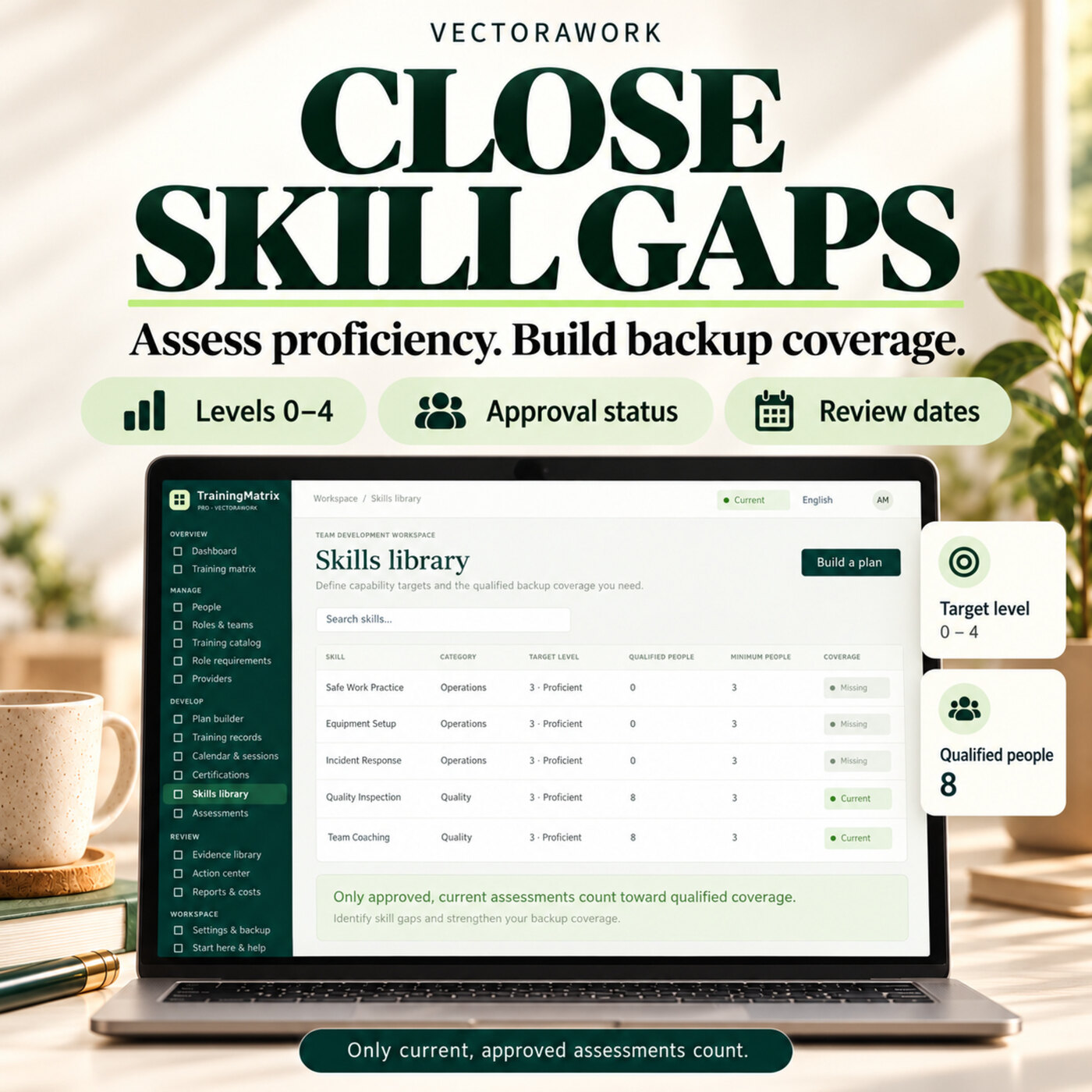
The skills library supports proficiency levels from 0 to 4, target levels, minimum qualified people and review dates. The latest approved assessment determines the current level. Overdue reviews are excluded from qualified backup coverage, helping you identify where a team depends on too few current assessors or trained operators.
Bring useful reports to a team review
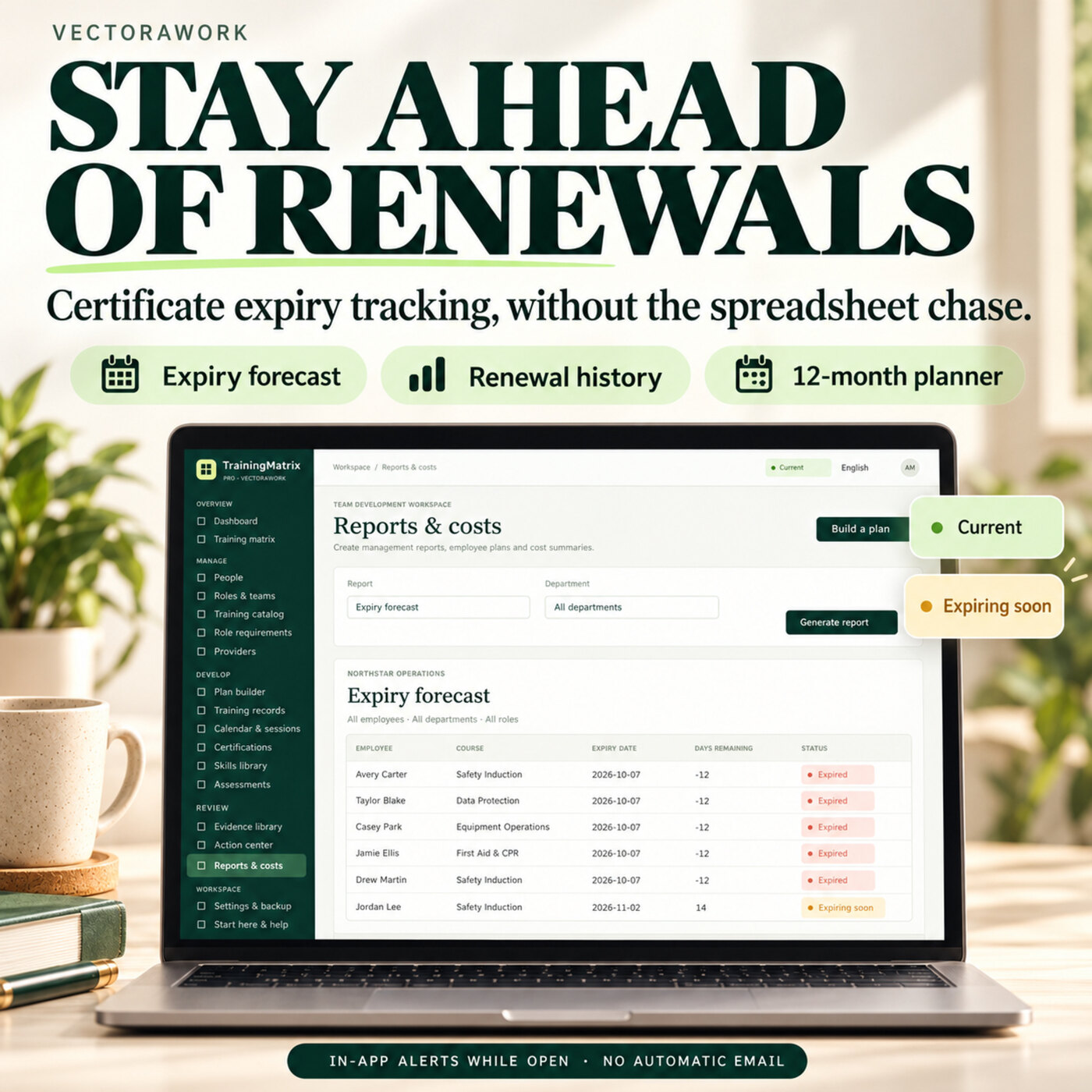
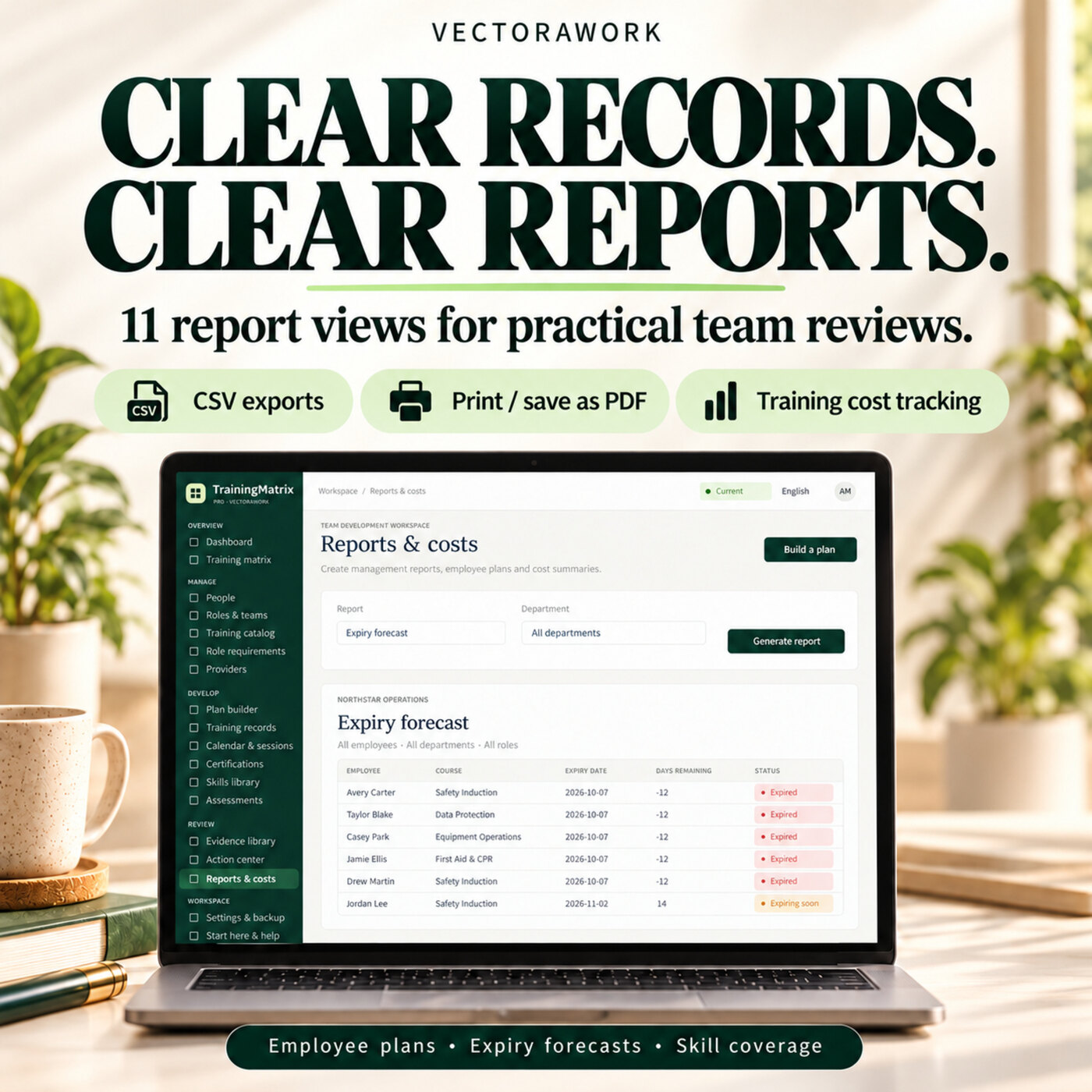
Eleven report views cover management overview, individual training plans, required gaps, expiry forecasts, departments, roles, attendance, training costs, skill coverage, evidence and open actions. Export tables to CSV or use your browser to print or save as PDF. The 12-month planner brings upcoming sessions, renewals and review dates into a forward view.
Five languages and ten currency formats
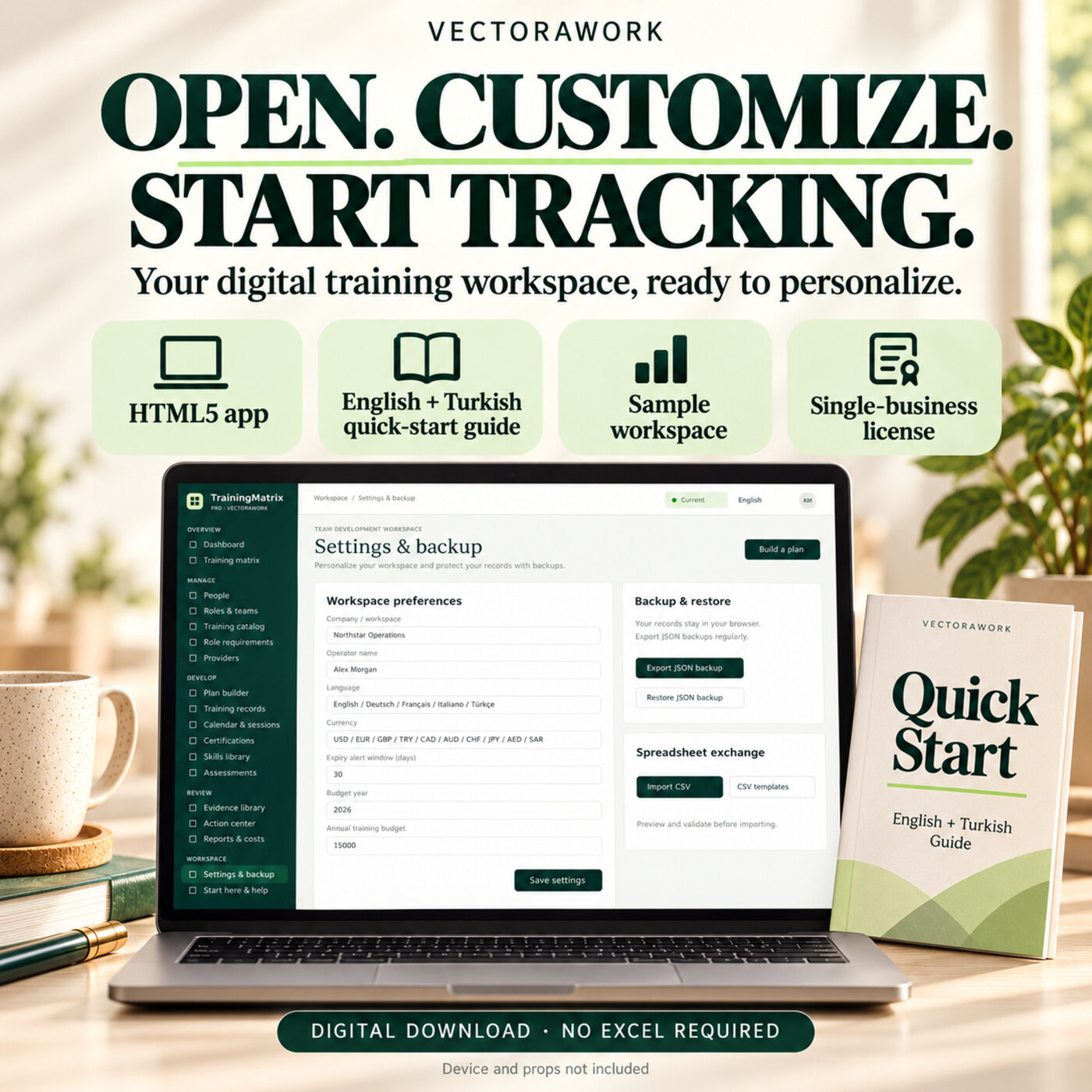
The interface supports English, German, French, Italian and Turkish. English and USD are the initial defaults. Currency choices include USD, EUR, GBP, TRY, CAD, AUD, CHF, JPY, AED and SAR. Changing currency changes the display label and formatting; it does not perform foreign-exchange conversion. Employee names and course descriptions remain in the language you enter.
Local, offline and under your control
The full application runs from one HTML file without an ongoing VectoraWork subscription or account. Records stay in the browser profile on your device. JSON backup and restore let you keep copies and transfer your own workspace manually. CSV templates support employee, course and completion imports with a preview before committing.
Evidence can be referenced by storage location or attached as a small PDF, PNG, JPEG or TXT file up to 256 KB each. Keep original evidence and backups in storage appropriate for your business.
Try the restricted sample-data demo
[Open the TrainingMatrix Pro demo](/demo/trainingmatrix-pro/) to explore the interface, sample matrix, people, planning preview and reports. The demo does not accept your business data and does not include editing, imports, exports or access to the full application file.
Is this the right tool for your team?
This edition is a good fit when one coordinator manages a local training workspace and wants clear records without a shared cloud service. It is not a hosted multi-user LMS: there are no shared logins, automatic device synchronization, background reminder emails, HR integrations or authenticated digital approvals. Due-date and expiry alerts are calculated while the app is open. Use a current full desktop browser for the best experience with large tables.
Training requirements, renewal rules and approval decisions are defined by your organization. The application does not determine legal compliance. Check the Etsy listing for the included files and license before purchasing. Payments, order support and digital delivery are handled on Etsy.