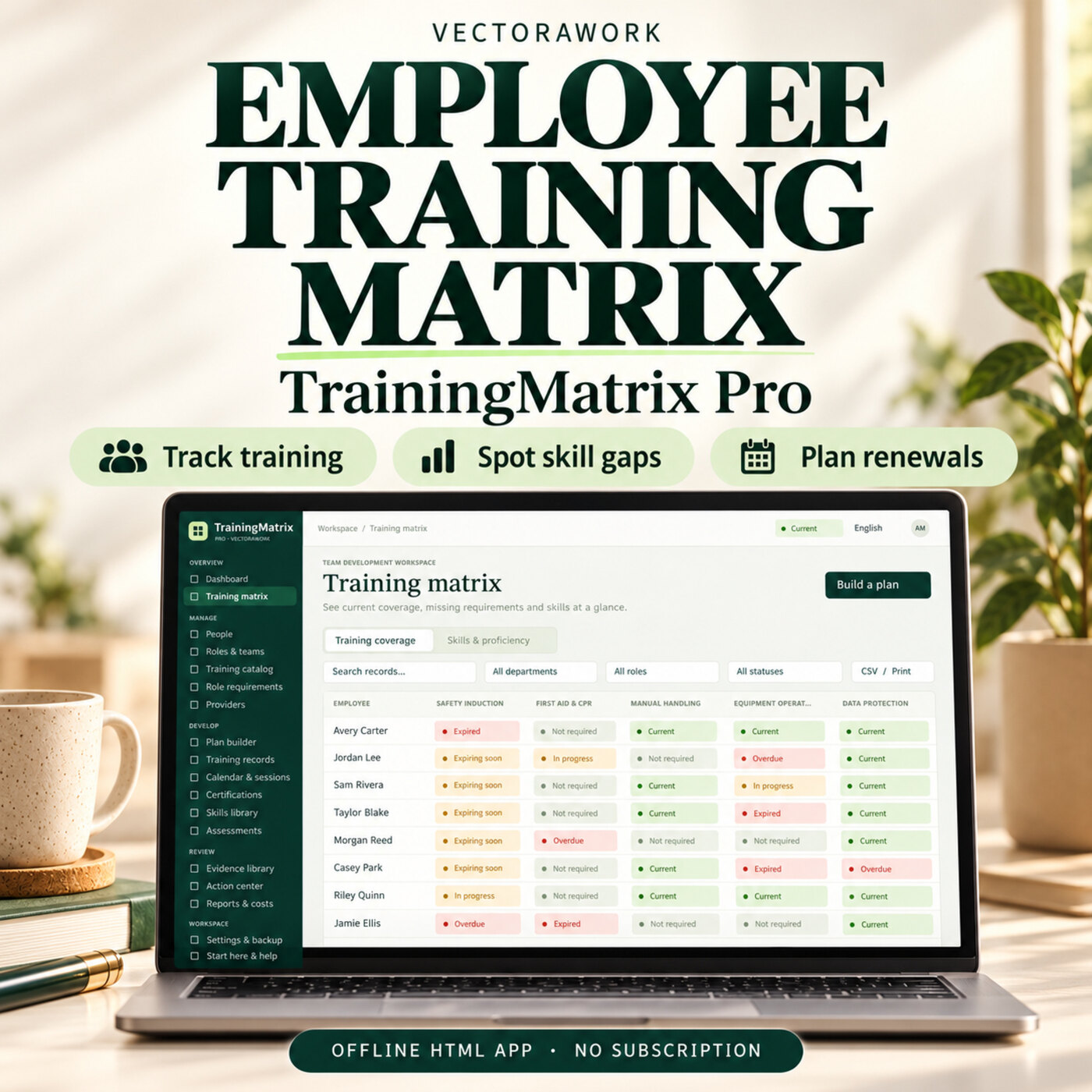
People & HREmployee Training Matrix Software - TrainingMatrix Pro
Track employee training, certificate renewals and skill gaps in one offline HTML app. Plan role-based training and review your team with clear reports.
Offline HTML AppDetails →
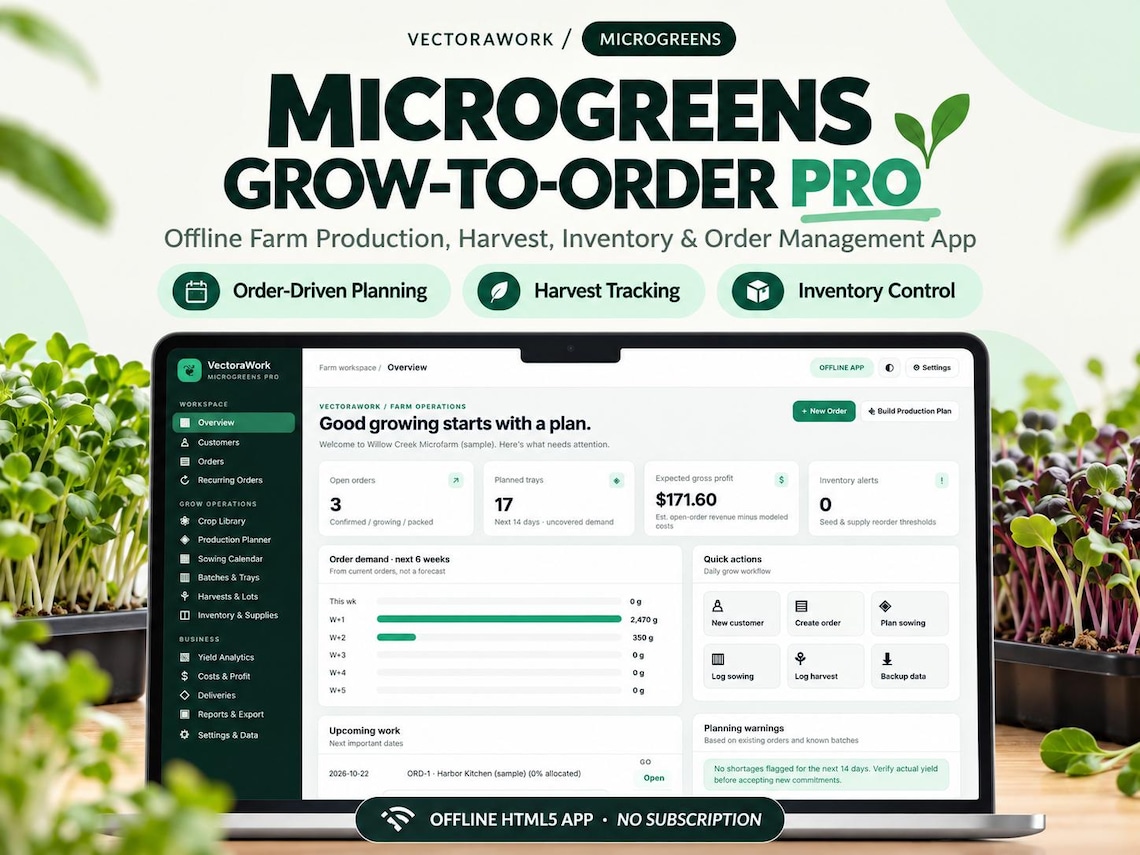
Images are promotional previews from the Etsy listing. Review the current Etsy listing for included files and specifications.
Microgreens Farm Planner App | Offline Grow-to-Order, Tray Calculator, Crop & Harvest Tracker, Inventory Recurring Orders
Microgreens Farm Planner App | Offline Grow-to-Order, Tray Calculator, Crop & Harvest Tracker, Inventory Recurring Orders
Purchases and order support are handled on Etsy. VectoraWork.com does not accept payments or deliver Etsy orders.
GROW TO ORDER — NOT GUESSWORK.
Microgreens Grow-to-Order Pro is an offline HTML5 farm operations application built to help small commercial microgreens growers organize customer orders, calculate growing needs, track real trays and harvests, and prepare deliveries from one connected workspace.
From a restaurant's weekly order to the trays you need to sow, the app helps you see what is needed, when it is needed, and whether seed stock and grow-room capacity are sufficient.
WHAT CAN YOU DO? • Create customer profiles and multi-crop orders with quantities, prices and delivery dates • Manage weekly, biweekly and other recurring standing orders without duplicate occurrences • Customize crop profiles: grow stages, expected yield, seed weight, waste assumptions, shelf life and costs • Estimate sowing dates, required trays and seed amounts from confirmed customer orders • Check capacity by day for blackout and light areas, including overlapping batches • Record sowing batches and consume seed from a specific lot • Log gross/rejected/usable harvest and create usable harvest stock by lot • Reserve fresh harvest lots against specific order items to reduce double allocation • Pack reserved lots, record deliveries and print packing sheets • View crop yield trends, modeled gross contribution, payments and manual operating expenses • Export CSV tables and download / restore full JSON backups • Switch between dark and light display modes
HOW IT WORKS 1. Open the single HTML application in a supported desktop browser. 2. Set up your farm, crop varieties, customers and seed inventory. 3. Add confirmed customer orders and open Production Planner. 4. Review tray, seed and sow-date suggestions before creating real batches. 5. Record actual sowing and harvest, reserve lots, pack and deliver.
WHAT YOU GET • 1 Microgreens Grow-to-Order Pro HTML5 application (.html) • 1 illustrated, 12-page English PDF User Guide with genuine app screenshots • Quick Start instructions and license/limitations document • Fictional sample data to learn the workflow, removable before live use
OFFLINE & NO SUBSCRIPTION No account, paid API, or subscription required. Core operations work without an internet connection. Data stays in your local browser profile where storage is available. JSON backup/restore is included.
PLEASE READ BEFORE BUYING • This is a downloadable DIGITAL SOFTWARE TOOL, not a physical growing kit or PDF-only planner. • Primarily designed for desktop Chrome or Edge. Some features may work in other browsers; browser-specific local file storage and mobile persistence are not guaranteed. • Local data can be lost by clearing site data, private browsing or changing browser/file context. Regular JSON backups are essential. Backups are unencrypted. • Uses estimates you enter for crop growing days, expected yields, losses and costs. Results are not guaranteed. • No cloud synchronization, automated email, payment gateway, real-time collaboration, live map optimization, or regulatory compliance certification. • PDF saving is provided through the browser's Print / Save as PDF feature. • Intended for a single local user / small farm business; not a multi-employee SaaS platform. • Example customer names and farm records are fictional. • Contact us before purchasing if you are unsure whether your setup is compatible.
DIGITAL DELIVERY After purchase, download and extract the ZIP file from your Etsy Purchases section using a web browser. Open START_HERE_EN.txt, then launch the HTML file on your computer. No physical product will be sent.
LICENSE Internal use by the purchasing farm/business. The files may not be resold, redistributed or repackaged. See bundled license terms. Applicable platform/consumer laws still apply.
Questions? Send a message to VectoraWork on Etsy. We want you to understand the app before purchasing.
Track employee training, certificate renewals and skill gaps in one offline HTML app. Plan role-based training and review your team with clear reports.
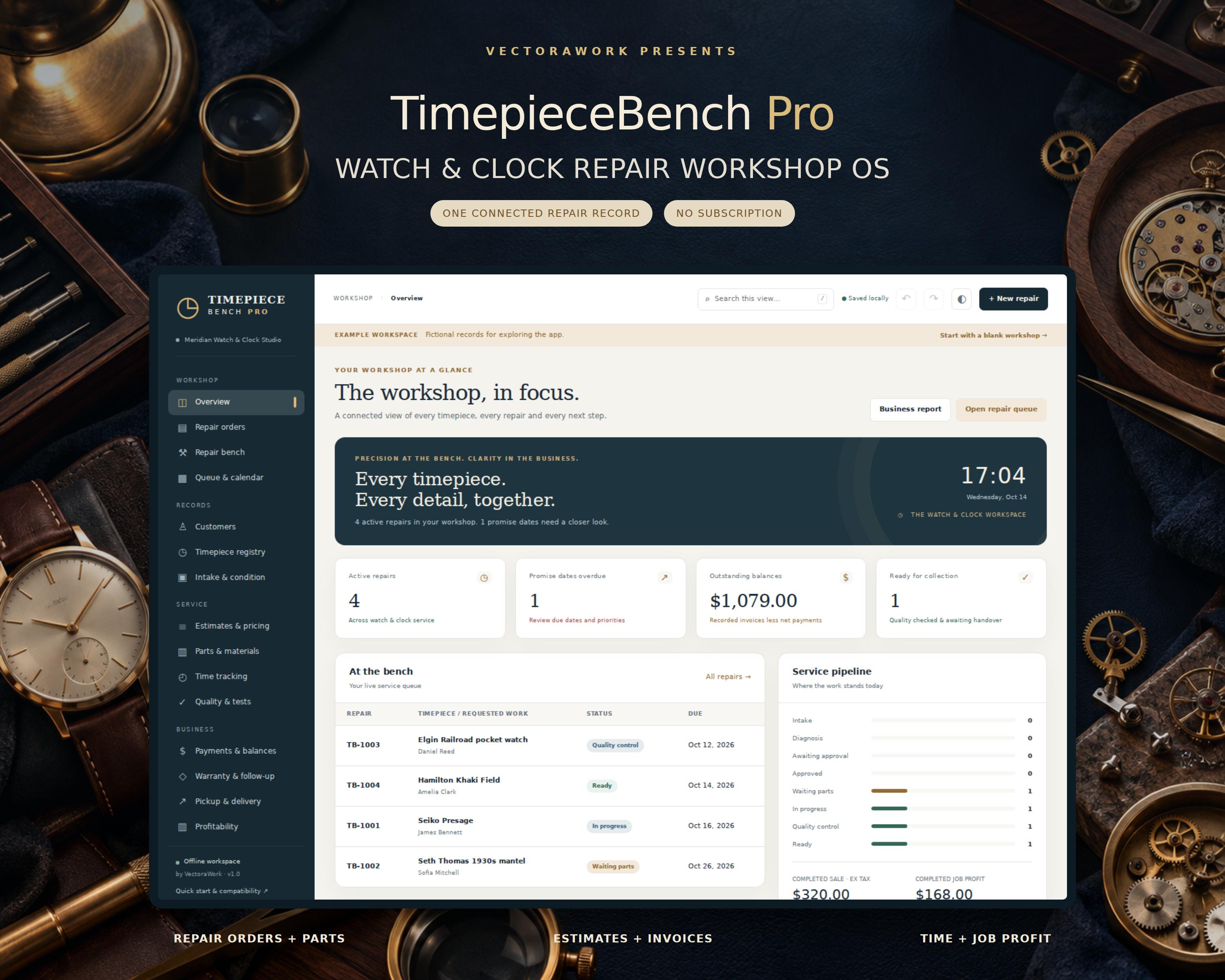
Keep every watch and clock repair together - from the first intake note to the final handover. Offline Simple Useful Watch Repair Tracking Software - TimepieceBench Pro TimepieceBench Pro is an offline workshop management app for independent watchmakers, clock repairers and small horology studios. Open the HTML file in your desktop browser, enter your workshop details and manage customer records, repair orders, parts, time, estimates, payment records and quality notes
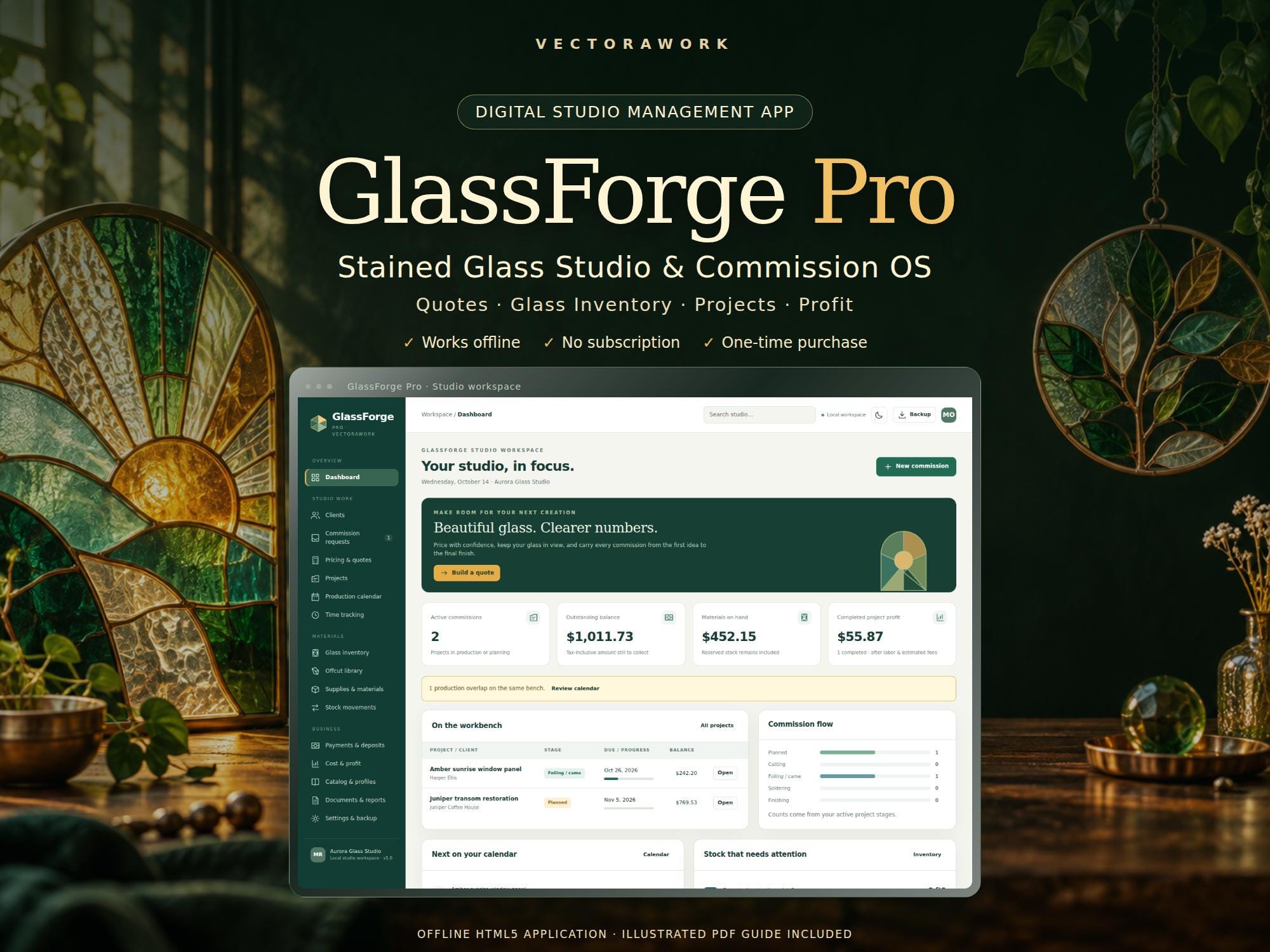
Beautiful glass. Clearer numbers. GlassForge Pro is a stained glass studio and commission management app for independent artists, suncatcher makers and small glass studios. Build a detailed quote, turn it into a project, reserve your materials and see what the finished work actually earned after recorded labor and estimated selling fees. This is an instant digital download containing an offline
We would like to use Google Analytics to understand how visitors use our public pages. It is optional. No Google Analytics requests are sent unless you choose Accept. You can change your choice at any time. Privacy Policy · Cookie Policy